Thanks for the update. Glad the insertion worked. This is a known bug with the terminal on Windows in version 2.1.50 that the team is working on. Temporary solution:
Cursor Settings Ctrl+Shift+J
Agents → Inline Editing & Terminal
Enable “Legacy Terminal Tool”
Ctrl+Shift+P → “Terminal: Kill All Terminals”
Fully restart Cursor
Can you send a screenshot of the full agent message? And what exact commands was it trying to run (server upload - what specifically)?
FYI this is happening on Mac as well, for a while now. Only solution is to open new terminal sessions. unable to copy, or to use cmd+K for AI mode in terminal
So this issue has actually been ongoing for more than three months, and there still hasn’t been a proper fix?
Because of this problem, I’ve been sticking with version 1.5.5. However, today I was informed that I must upgrade in order to continue using the agent feature, and after updating, I’m encountering the same issue again.
Besiedes what’s strange is that this issue behaves inconsistently:
when I create a terminal using New Terminal (Ctrl+Shift+`), Ctrl+C / Ctrl+V do not work as expected.
However, when I open a terminal from an empty page using Show Terminal (Ctrl+J), copy and paste work normally.
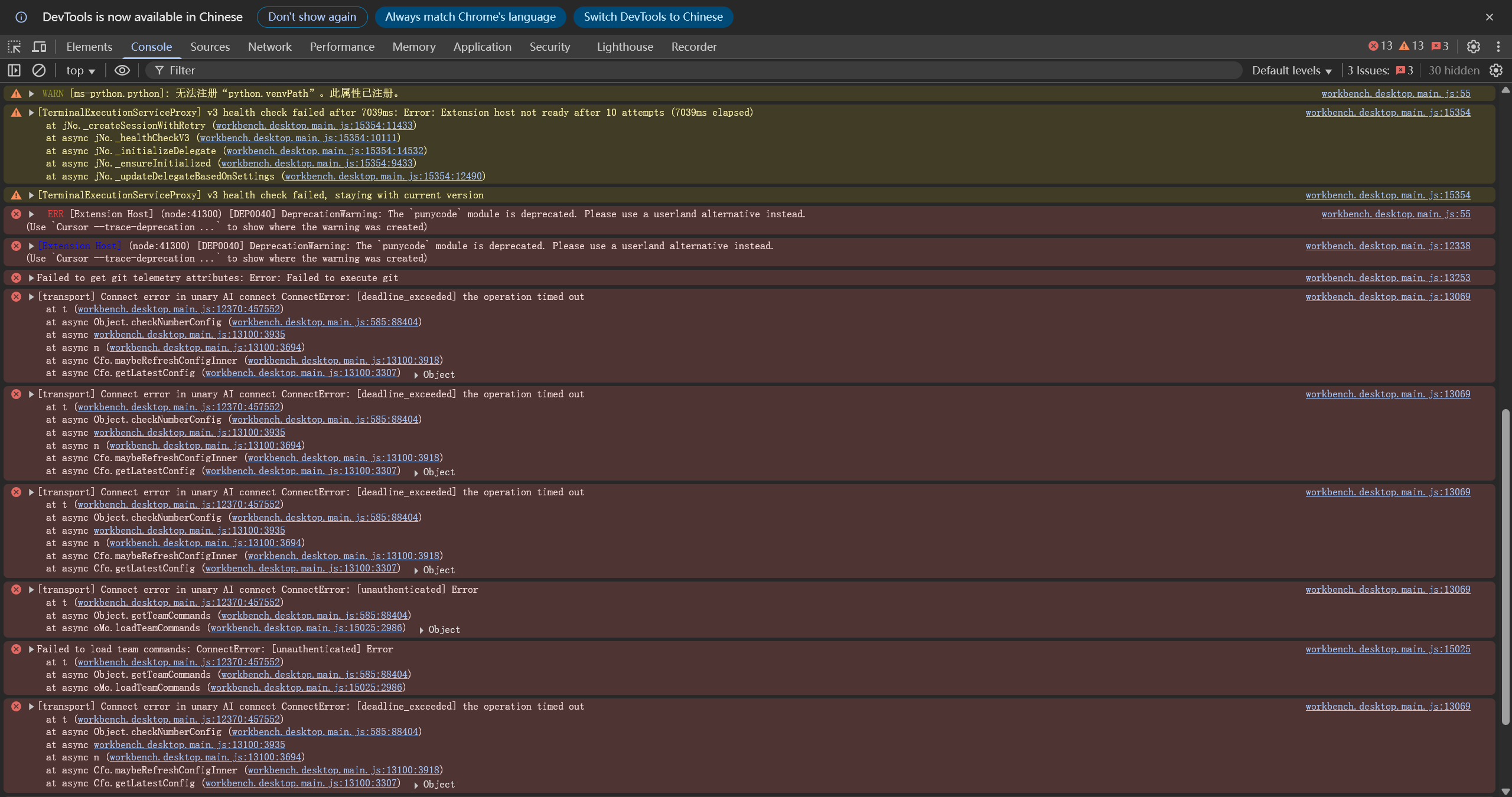
And here are screenshots of DevTools you asked for
This issue is almost fully reproducible. When no terminal is open, a terminal created via Ctrl+J (Show Terminal) works normally, and Ctrl+C / Ctrl+V behave as expected. However, in all cases, terminals created via Ctrl+Shift+` or via Terminal → New Terminal from the top menu consistently exhibit this issue, where Ctrl+C terminates the running process instead of copying, and Ctrl+V does not paste.
For clarity, the only keybinding changes I’ve made are remapping Ctrl+Shift+C / Ctrl+Shift+V to “Copy Absolute Path”. All other keybindings remain unchanged, meaning the shortcuts mentioned above are entirely using the default Cursor configuration.
In addition, the “+” (New Terminal) button is missing from the terminal tab bar.