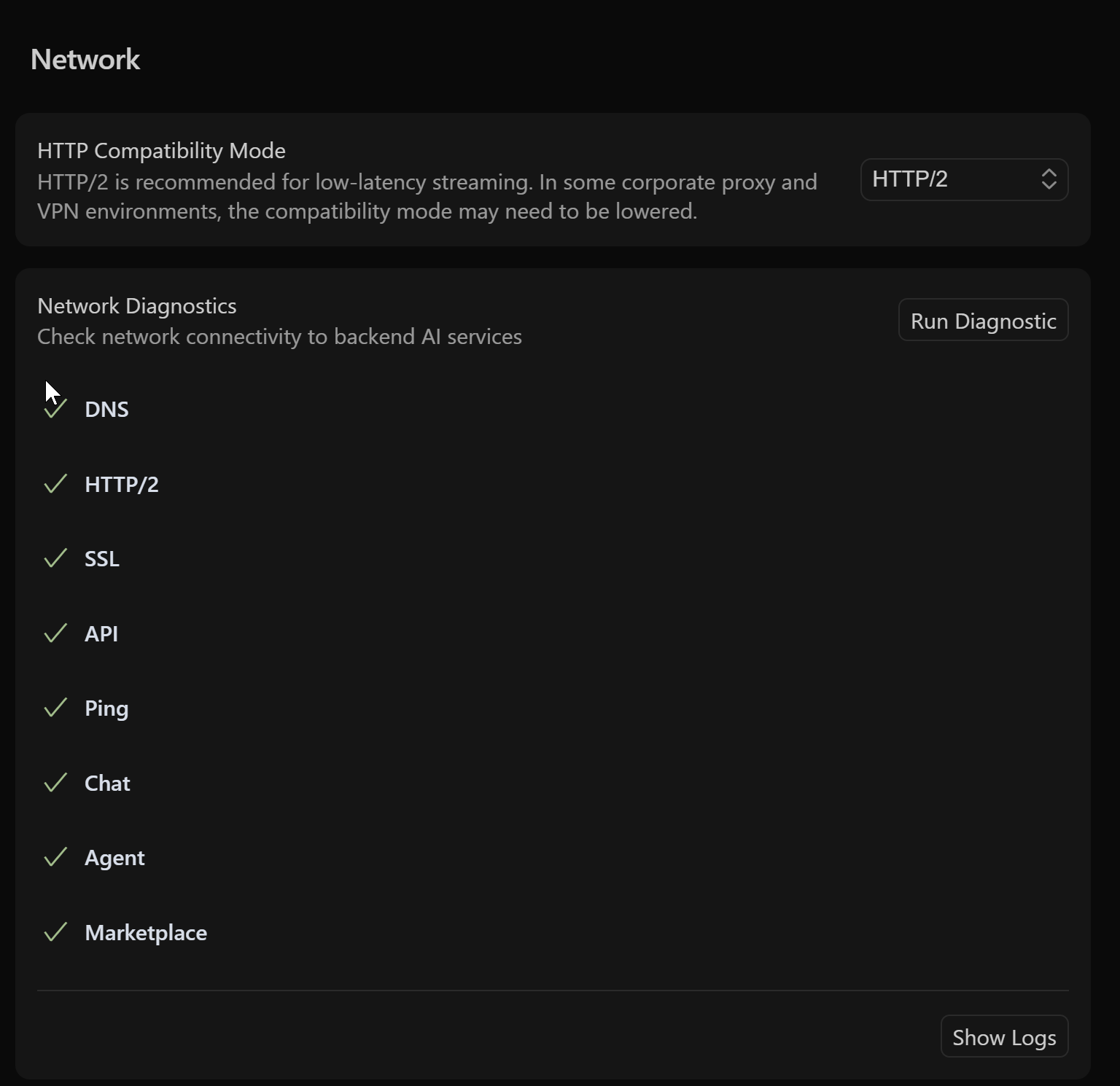
Unable to install Python extension in the marketplace

Thabks for your answer!

I tried your advice, but it still doesn’t work. If I use regular VSCode, all extensions are installed on this remote server without problems. But i found only this command
image

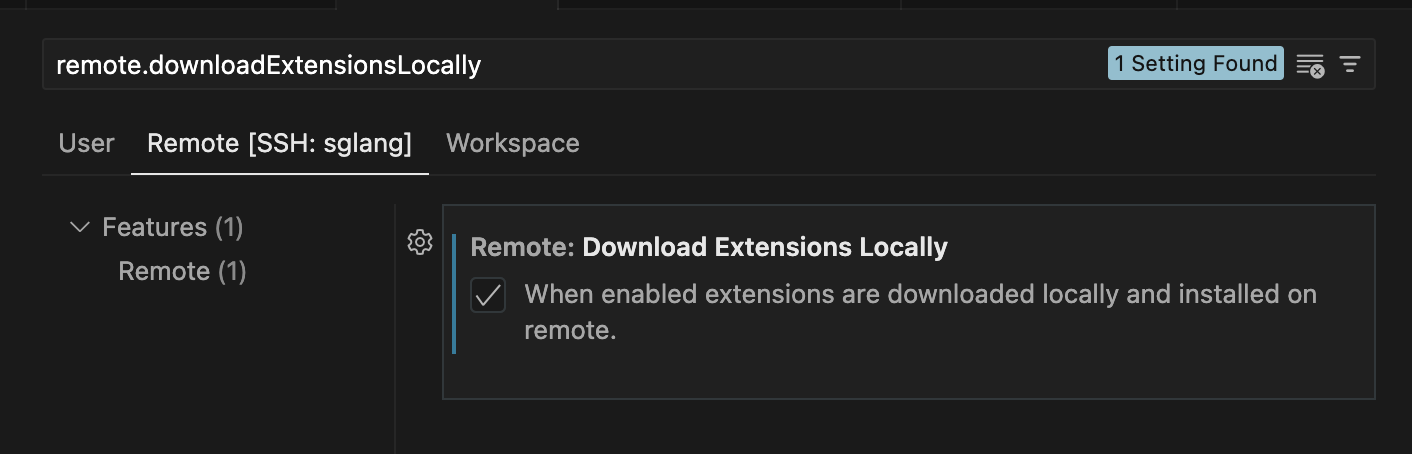
upd. I found this setting, but it’s not working

problem:

Greeting!

I have the same problems.

I couldn’t install the Python extension in Cursor (SSH) due to Marketplace/proxy issues, so I solved it by using VSIX files from VSCode:

Since i installed these extension in the same server, it is easier.

Firstly using vscode

then go to cursor terminal

cd ~/vsix
cursor --install-extension ms-python.python-2025.10.1-linux-x64.vsix
cursor --install-extension ms-python.debugpy-2025.10.0-linux-x64.vsix
cursor --install-extension ms-python.vscode-pylance-2025.7.1.vsix

But I still hope that cursor can solve this problem. I still don’t know what went wrong with the proxy.

1 Like

Thanks for the suggestions. I had the same issue and only your solution worked for my situation.

Hello

I have the same issue. I confirme that it concerns only python extention. Do you think it will be solved soon?

If extensions are stuck installing, and you’ve ruled out that it’s a network issue, I’d recommend doing a clean installation.

On the remote server, remove: (Only need to do this step if you’re using Cursor over SSH / Docker / WSL):

rm -rf ~/.cursor
rm -rf ~/.cursor-server

Then, locally:

Windows:
Run the uninstaller, and then also remove the following folders:

rd -r %UserProfile%\.cursor
rd -r %UserProfile%\AppData\Local\Programs\Cursor
rd -r %UserProfile%\AppData\Roaming\Cursor

Macos
Delete the app, and then also remove:

rm -rf ~/Library/Application\ Support/Cursor
rm -rf ~/.cursor

Linux
Remove the appimage, and then also remove:

rm -rf ~/.config/Cursor/
rm -rf ~/.cursor

This will fully wipe all Cursor state, so you might want to back things up before proceeding.

1 Like

This topic was automatically closed 30 days after the last reply. New replies are no longer allowed.