Describe the Bug
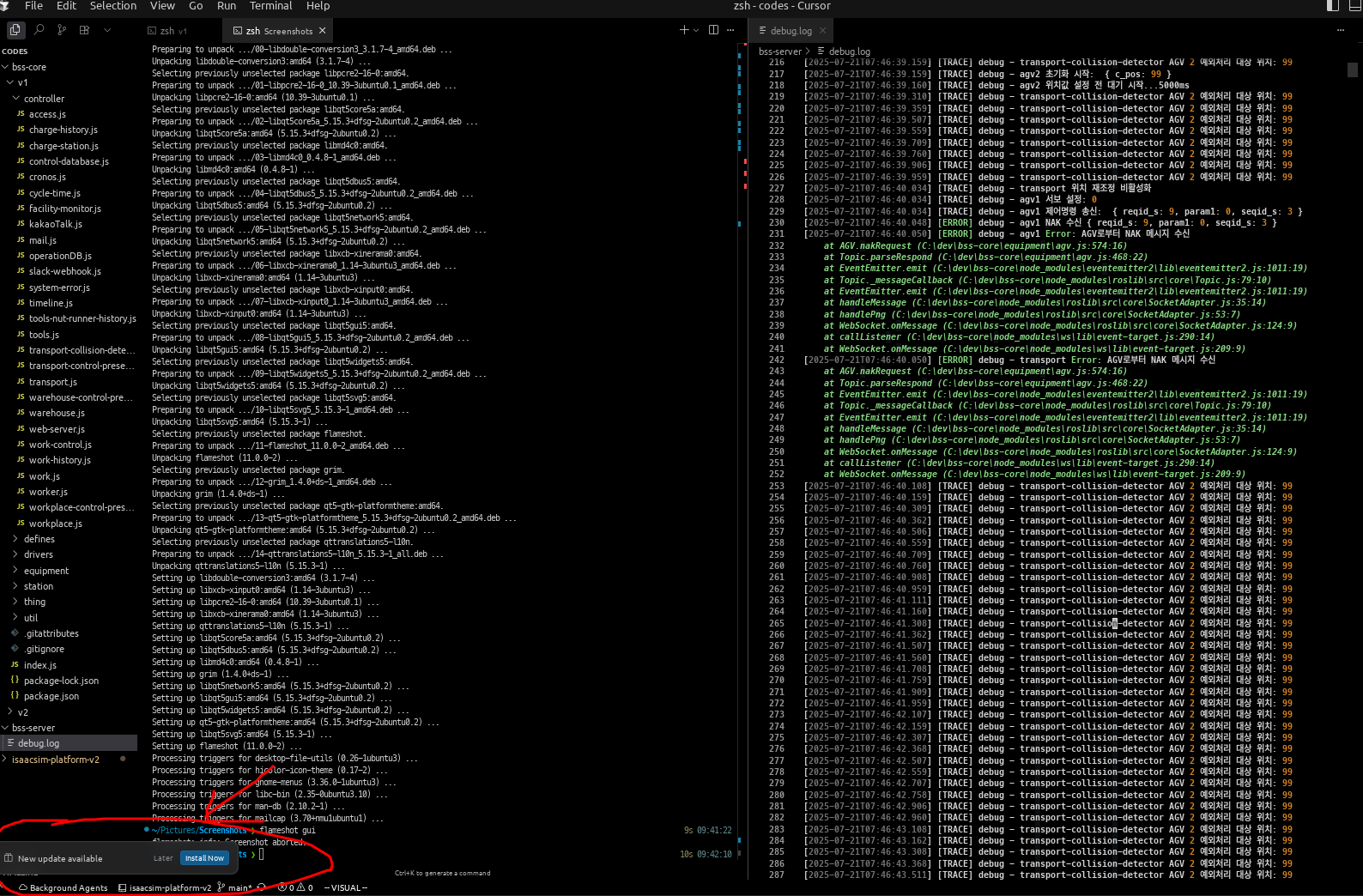
Whenever I used Cursor editor, update box popped up on the bottom-left side. After I click ‘install now’ button to update my Cursor editor. Suddenly it reboots, and then the update box shows again and again.
I think it does not make my Cursor editor properly.
I’m the user of Ubuntu 22.04. Please check this bug.
It is so painful…
Steps to Reproduce
Just Open Cursor editor on Ubuntu 22.04 and wait for few minutes. Then the update button not working will show up. After that just click ‘install now’ button.
Screenshots / Screen Recordings
Operating System
Linux
Current Cursor Version (Menu → About Cursor → Copy)
Version: 1.2.1
VSCode Version: 1.99.3
Commit: 031e7e0ff1e2eda9c1a0f5df67d44053b059c5d0
Date: 2025-07-03T06:13:13.763Z
Electron: 34.5.1
Chromium: 132.0.6834.210
Node.js: 20.19.0
V8: 13.2.152.41-electron.0
OS: Linux x64 6.8.0-64-generic