leetic3
October 4, 2025, 6:52pm
1
Cursor IDE
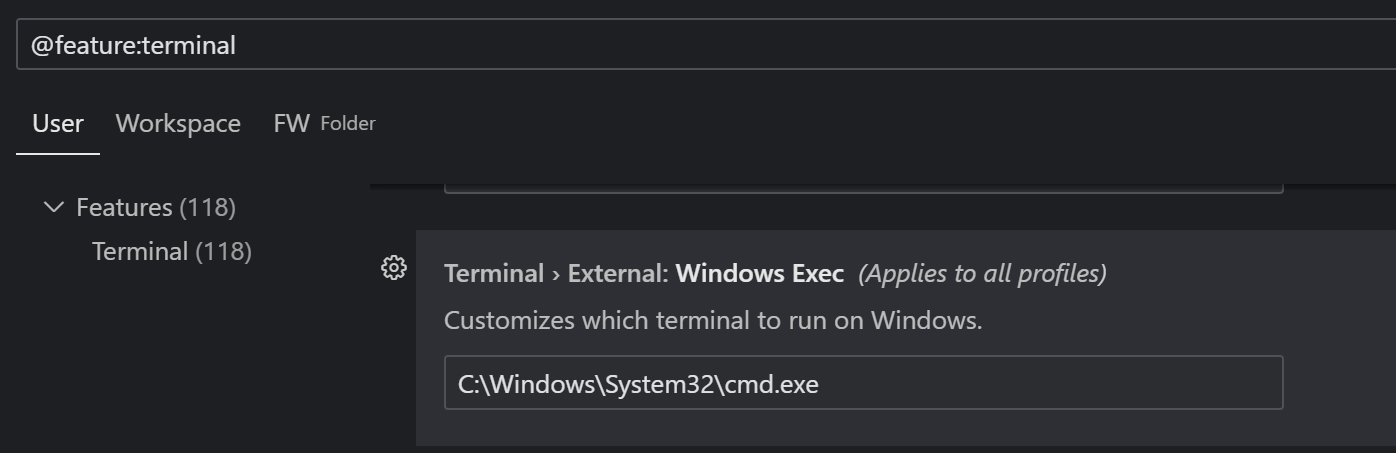
in a recent update, agent terminals became read only and forcibly stay in powershell and ignore the old default terminal. this is problematic as i have many cursorrules built for the agent knowing its in cmd.exe.. how can i change it back to cmd.exe?
windows, run agent.. it’ll be in powershell by default
Windows 10/11
Version: 1.7.23 (user setup)
No - Cursor works, but with this issue
leetic3
October 4, 2025, 6:54pm
2
unable to paste img on topic creation now..
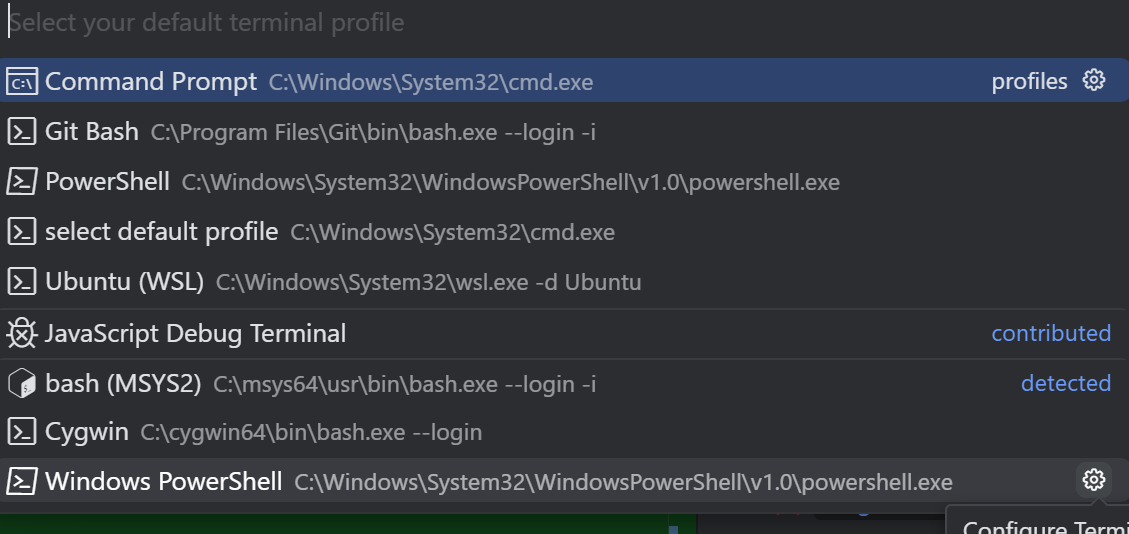
heres my settings.json too that i updated.. and it still doesnt work..
    "terminal.integrated.shellIntegration.enabled":false,/* added this and it doesnt help anything*/
    "terminal.integrated.profiles.windows": {
        "PowerShell": {
            "source": "PowerShell",
            "icon": "terminal-powershell"
        },
        "Command Prompt": {
            "path": [
                "${env:windir}\\Sysnative\\cmd.exe",
                "${env:windir}\\System32\\cmd.exe"
            ],
            "args": [],
            "icon": "terminal-cmd"
        },
        "Git Bash": {
            "source": "Git Bash"
        },
        "select default profile": {
            "path": "C:\\Windows\\System32\\cmd.exe",
            "args": []
        },
        "Ubuntu (WSL)": {
            "path": "C:\\Windows\\System32\\wsl.exe",
            "args": [
                "-d",
                "Ubuntu"
            ]
        }
    },
    "terminal.integrated.defaultProfile.windows": "Command Prompt",
```
leetic3
October 8, 2025, 3:05pm
4
no way to change agent to cmd.exe?? everyones using powershell on windows? seriously?
a simple curl turns into something excessive like:
says now deprecated?
and then it says i should be using cmd.exe but its not?
leetic3
October 8, 2025, 3:35pm
5
“legacy terminal tool”… i highly suggest not removing this or at least letting users pick what shell to use? i’m curious on the reasoning for this.. the new terminal being locked down isn’t overly helpful and i didnt notice any immediate benefit of being forced into powershell..?
pot2mayo
October 9, 2025, 5:59am
6
leetic3:
indows, run agent.. i
Same issue on my side, apart from the fact that I want to use git bash. But the Agent stubbornly stays in Powershell whatever I do.
Also reported here:
Cursor is just unusable with Powershell as default terminal, none of the agent command work.
pot2mayo
October 9, 2025, 6:18am
7
@liudhzhyym You last post actually worked as a temp fix for me. I reported it here
UPDATE:
After checking this post , I tried to turn the “Legacy Terminal Tool” option ON
[image]
My Agent starts with the correct default terminal.
[image]
Good temp fix for now but it still looks like a bug to me that the default terminal is not used by the Agent without turning this option ON.
leetic3
October 9, 2025, 1:14pm
8
i understand what they’re trying to do, just improving the agent terminal and breaking it out a little.. but not being able to pick its default shell is an obvious issue/bug..