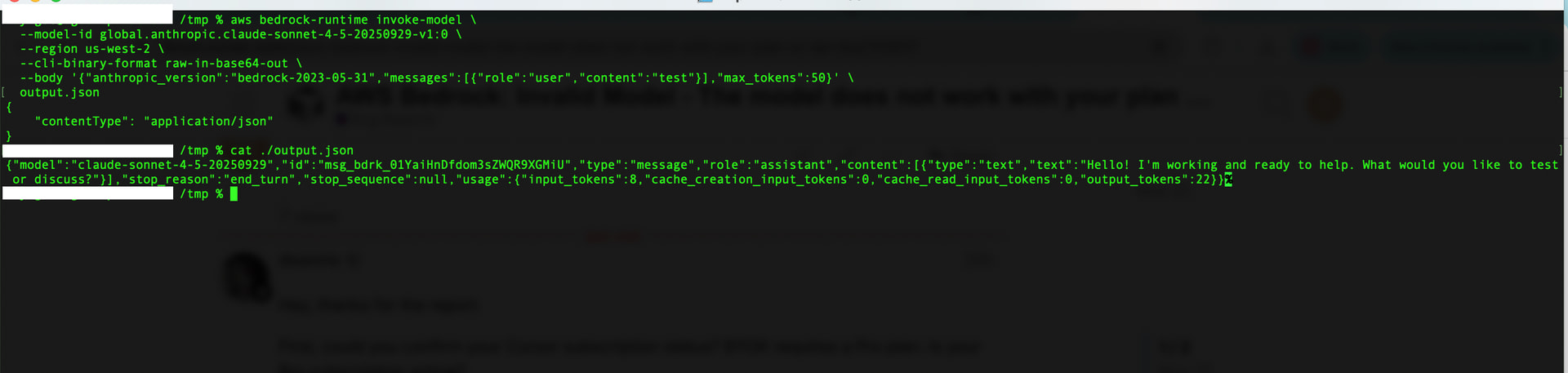
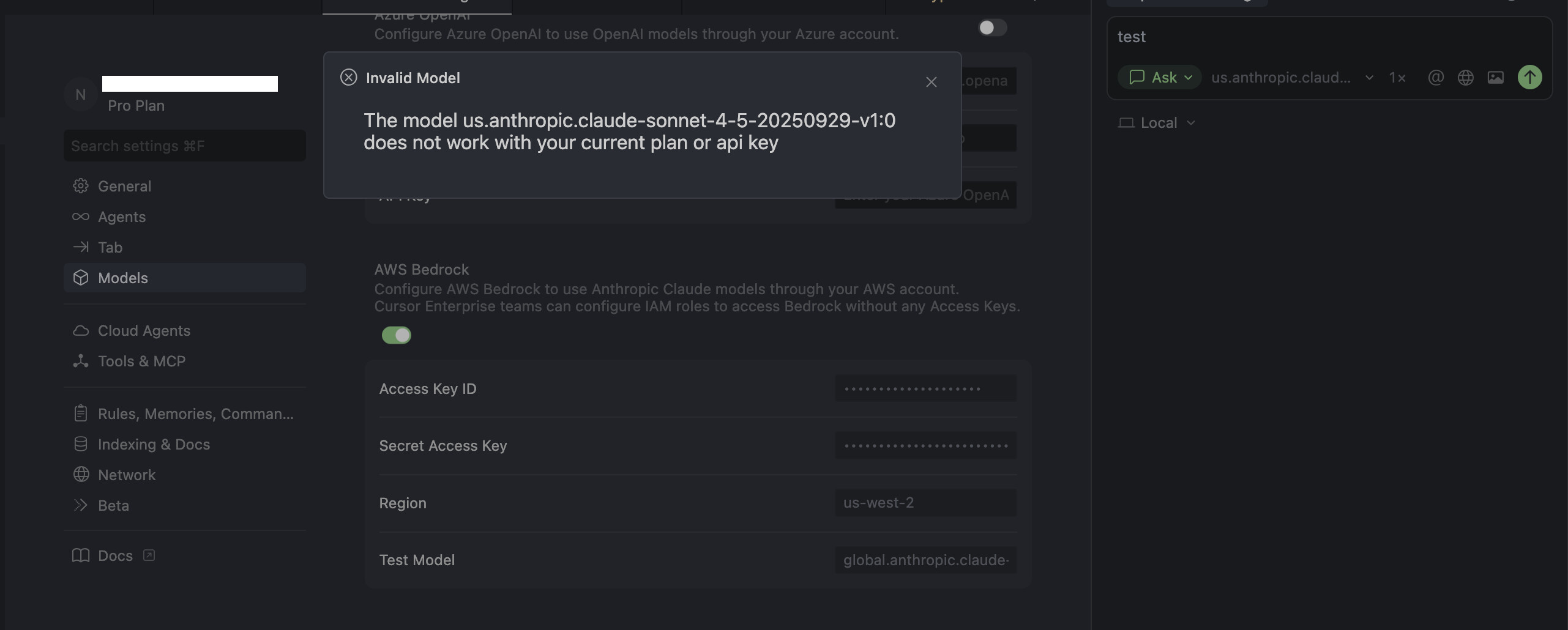
Bedrock doesn’t seem to be working. Cursor says invalid model even though my key and model are valid. I can use the key and model in Terminal with the aws command, but not in Cursor.
I used to be able to use it 2 months ago, but now I can’t. Tried factory reset and everything on the forum but no luck.
Steps to Reproduce
Enable AWS Bedrock in Model Settings
Key: <my_key>
secret: <my_secret>
region: us-west-2
Thanks for the detailed follow-up. Since your AWS credentials work fine via the CLI but not in Cursor, we need a bit more diagnostics to find the root cause.
Could you please share:
Console logs: Open Developer Tools (Help > Toggle Developer Tools), go to the Console tab, try sending a message with your Bedrock model, and share any error messages that appear
IAM permissions: Confirm that your AWS credentials have the following permissions:
bedrock:InvokeModel
bedrock:InvokeModelWithResponseStream
This will help us understand whether it is a Cursor BYOK validation issue or an AWS permission edge case that needs engineering investigation.
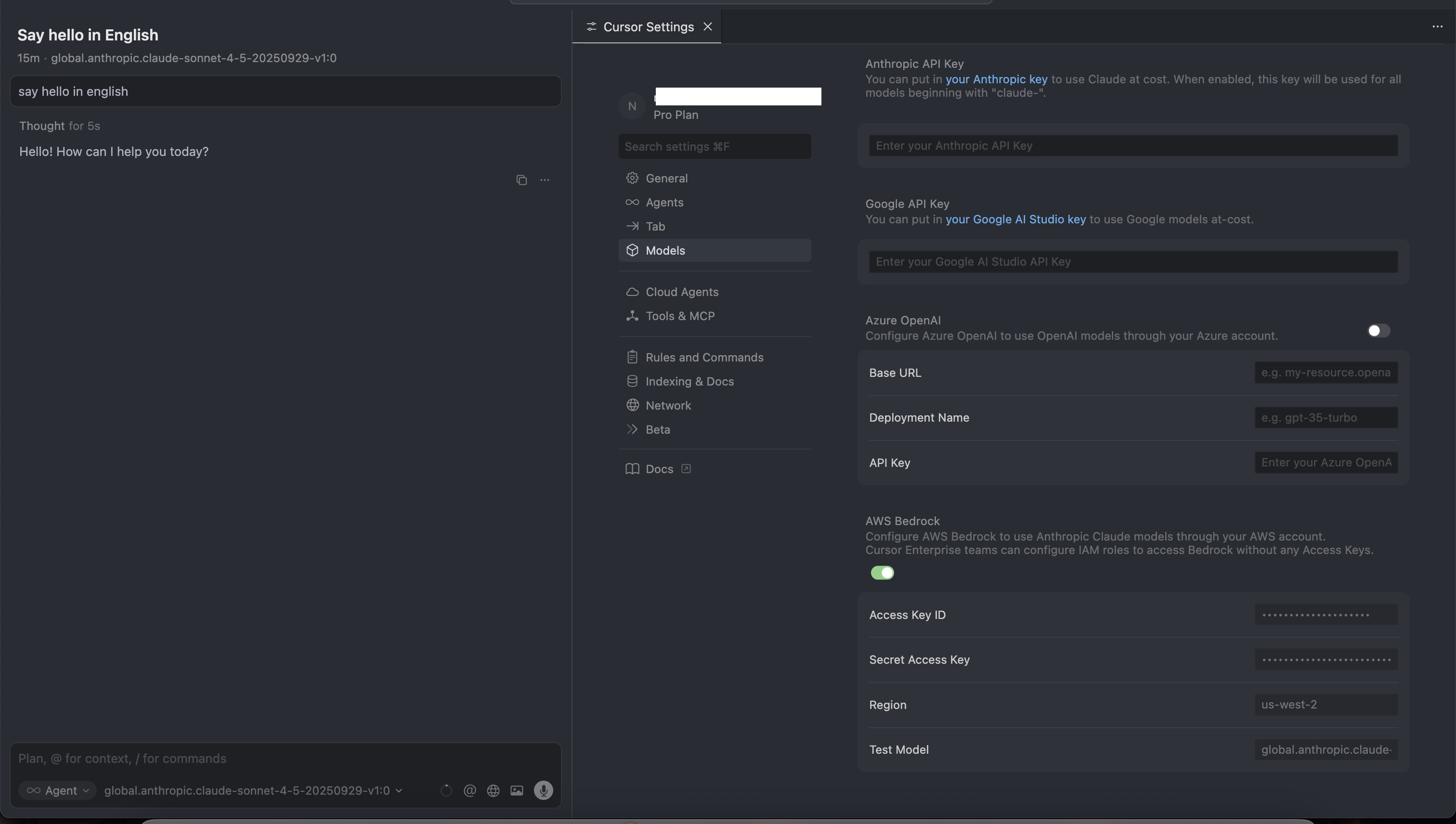
Looks like the engineers did something.
I was going to try again to get the logs for you. But it worked without me changing any settings or configuration. LOL.
Note that I tried hundreds of times in the past few days and failed.
I think we need to keep it more stable.
Since the issue went away on its own without any config changes on your side, it suggests there might have been a temporary backend problem with Bedrock validation.
If you run into this again, please grab the console logs (Help > Toggle Developer Tools > Console tab) right when the error appears. That will help us find and fix the root cause.