Ahpuch
October 20, 2025, 6:40am
1
Cursor IDE
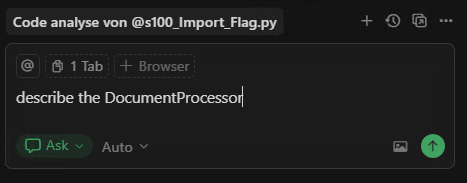
fresh installation of latest version (from cursor.com ) : chat doesn’t respond.
happens every time, also after several restarts of cursor ide
i was expecting an answer
Windows 10/11
Version: 1.7.52 (system setup)
tested with auto-mode and also with the main models like gpt-5, claude sonnet 4.5, etc.
Yes - Cursor is unusable
deanrie
October 20, 2025, 7:33am
2
Hey, thanks for the report. This issue can have several causes. Let’s diagnose:
Please check the following:
Network diagnostics: Go to Cursor Settings → Network → Run Diagnostics and share the results.
Large files in context: Do you have any large log files or big/open files? Remove large files from the workspace and try again.
MCP servers: If you have MCP servers enabled, disable them temporarily and test the agent’s behavior.
Developer Console: Open Help > Toggle Developer Tools, go to the Console tab, send a chat message, and share any red errors you see.
Let me know what you find.
Ahpuch
October 20, 2025, 7:43am
3
Hey deanrie, thx for helping!
1: see screenshot:
2: no large files
3: no mcp connections, fresh installation
4: see txt file
vscode-app-1760945950863.txt (13,9 KB)
deanrie
October 20, 2025, 7:15pm
4
Thanks for the details, it looks like SSL inspection on your network is intercepting Cursor’s encrypted traffic. That breaks the HTTP/2 connections needed for chat.
Fix:
Press Ctrl + , → search “HTTP/2” → turn on “Disable HTTP/2”. This forces HTTP/1.1, which works better with SSL‑inspecting proxies.
Are you on a corporate or institutional network? Let me know if disabling HTTP/2 fixes it.
Ahpuch
October 22, 2025, 6:57am
5
Thanks deanrie,
disabling http/2 fixes it, i get answers from chat now!