Describe the Bug
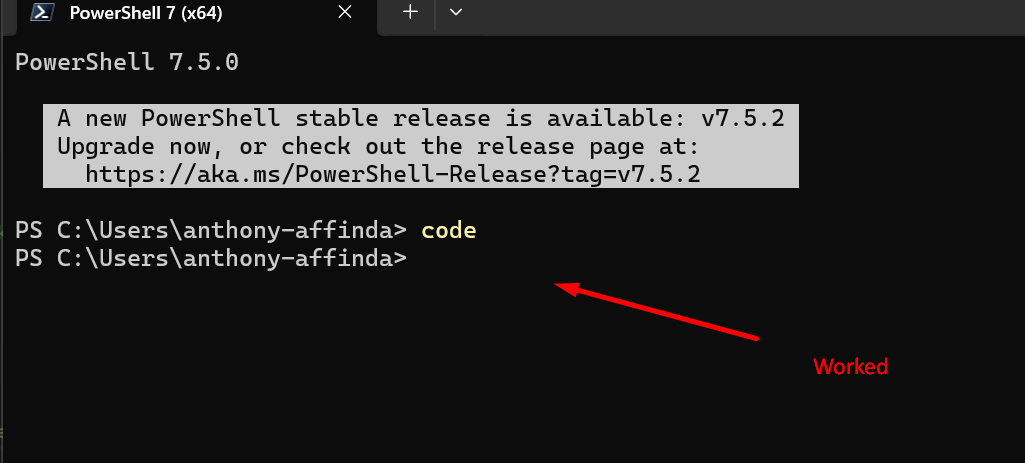
After a recent update (1.4.*), I can no longer run code <path to dir> in my terminal, it says Command 'code' not found, but can be installed with: sudo snap install code
I’m on WSL2. I tried uninstalling cursor and reinstalling, but no luck. This also affects when I run git commit --amend as it uses code --wait (Waiting for your editor to close the file...)
Steps to Reproduce
- Open terminal in WSL2
- type
code .
Expected Behavior
I expect a new cursor window to open with the path given
Operating System
Windows 10/11
Current Cursor Version (Menu → About Cursor → Copy)
1.4.2
d01860bc5f5a36b62f8a77cd42578126270db340
x64
Does this stop you from using Cursor
No - Cursor works, but with this issue