Where does the bug appear (feature/product)?
Cursor IDE
Describe the Bug
I am reporting a significant regression in both User Experience and performance regarding the Markdown preview functionality. The current implementation forces a preview mode upon clicking a file and suffers from unacceptable performance issues that freeze the editor.
- The decision to display the Preview by default when a Markdown file is clicked is counter-intuitive for a code editor. Users open files primarily to edit them, not just to view a rendered version.
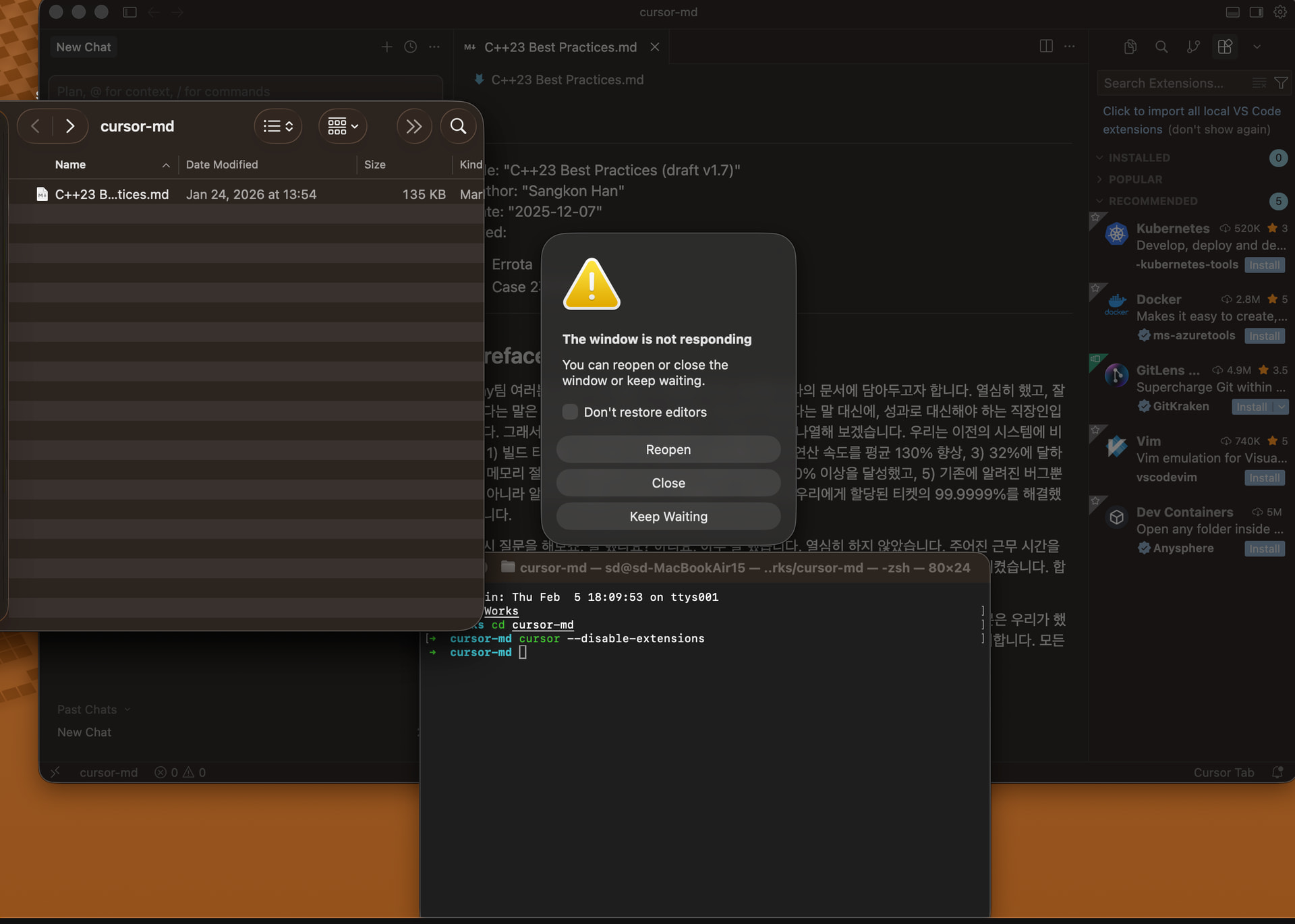
- Even with a relatively small 135kb Markdown file, the preview engine causes the entire editor to hang/freeze.
- This file opens and renders instantly in legacy editors like vi, Emacs, VS Code, and even basic tools like Windows Notepad. It is baffling that a modern, AI-powered IDE like Cursor fails where basic text editors succeed.
- If the team intends to prioritize the Preview mode, it must be robust enough to handle standard file sizes without crashing the UI thread.
Could you clarify why the editor’s default behavior was set to ‘Preview’? From a user perspective, this decision is still a bit regrettable.
Steps to Reproduce
- Select a Markdown file (~135kb) from the file explorer.
- Observe the editor defaulting to “Preview” mode instead of the source editor.
- Observe the editor becoming unresponsive or freezing during the rendering process.
Expected Behavior
- Clicking a file should open the Source Editor by default.
- If a preview is triggered, it should be rendered asynchronously without blocking the main editor thread.
- Performance should be at least on par with standard VS Code or other text editors.
Screenshots / Screen Recordings

Operating System
MacOS
Version Information
Version: 2.4.28
VSCode Version: 1.105.1
Commit: f3f5cec40024283013878b50c4f9be4002e0b580
Date: 2026-02-03T00:56:18.293Z
Build Type: Stable
Release Track: Default
Electron: 39.2.7
Chromium: 142.0.7444.235
Node.js: 22.21.1
V8: 14.2.231.21-electron.0
OS: Darwin arm64 25.2.0
Does this stop you from using Cursor
Yes - Cursor is unusable