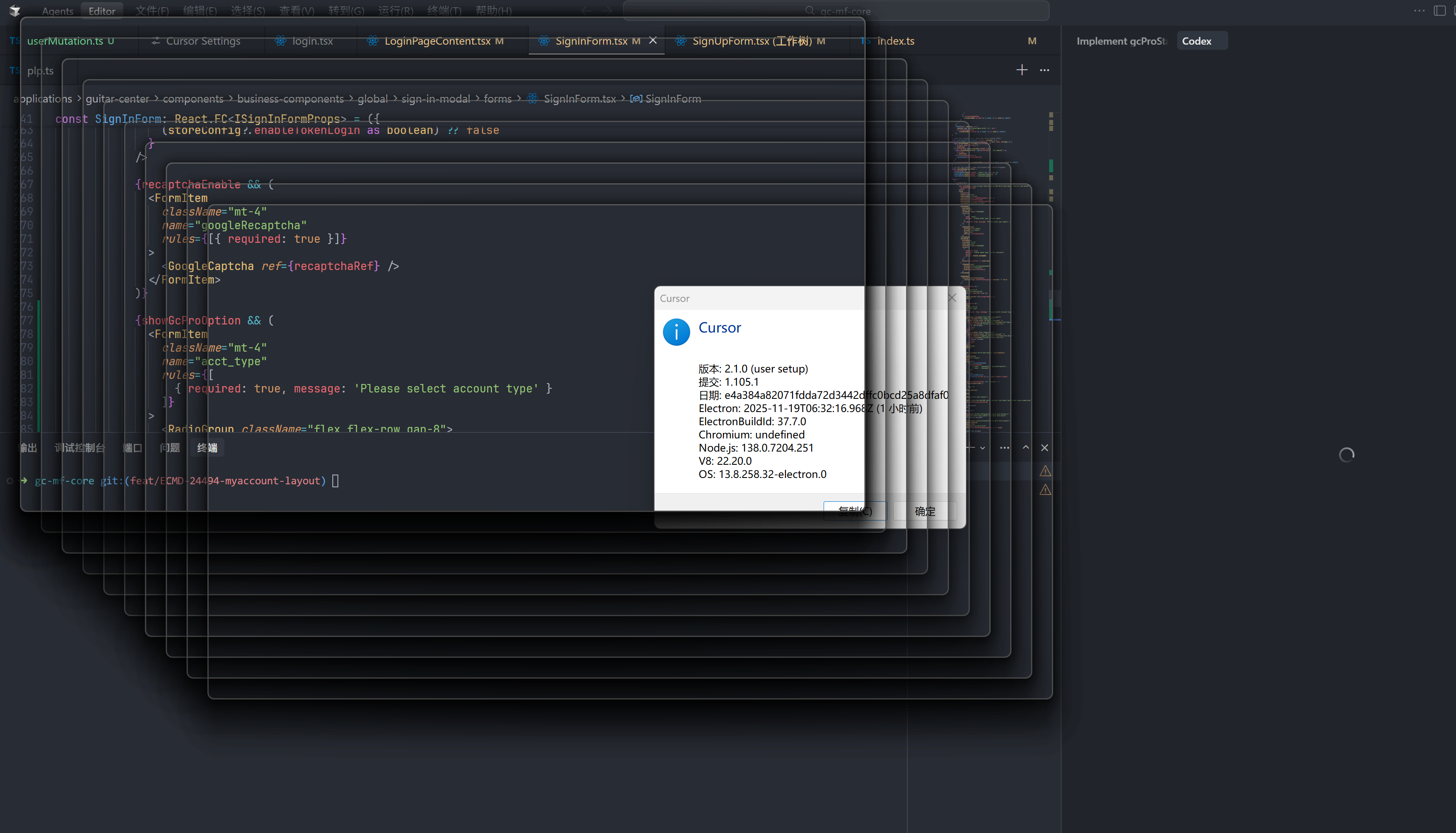
Hey everyone, thanks for reporting this issue. We’re seeing that after updating to 2.1.0 it has affected several users, and I’ve already escalated it to the team.
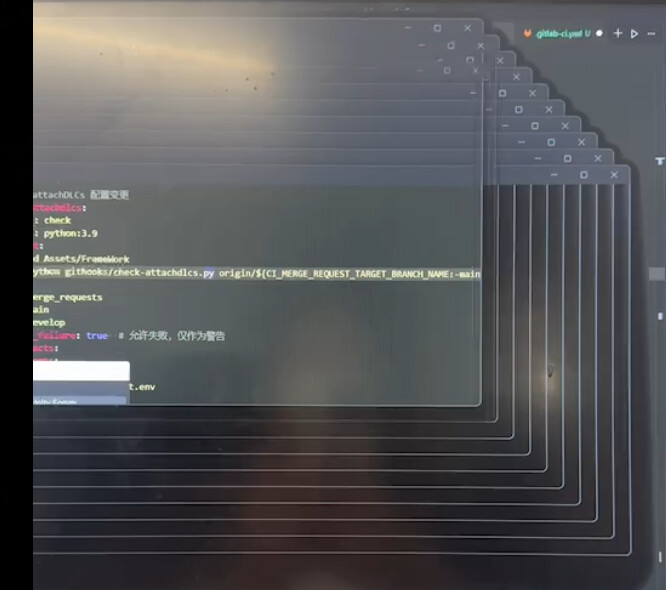
Same issue here. Tried switching to nightly build but still getting same flood of never-ending terminal windows. Downloading previous version from site was the only workable solution.
A workaround, while we wait for the fix, is to rename the ‘git.exe’ executable into ‘_git.exe’ (it is located in “C:\Program Files\Git\git.exe” on windows)
when open cursor , infinite git.exe will show up,the project is ok to open in vscode.
after reinstall cursor,the problem fixed.But i dont know why.
Steps to Reproduce
git.exe loops persist despite Git cache cleanup (git gc) and branch reconfiguration (git branch --set-upstream-to).
Disabling Cursor’s Git auto-refresh and third-party Git plugins had no effect.
The issue is isolated to Cursor (VS Code works normally with the same project).
Core files in .git/hooks are missing, potentially causing Git hook misconfiguration.
Expected Behavior
Identify the root cause of git.exe loops (e.g., residual corrupted Git hook scripts).
Restore critical CI files or reset the project structure.
Provide best practices for Git hook development and file deletion prevention.
Let me know if further technical details are required for escalation.