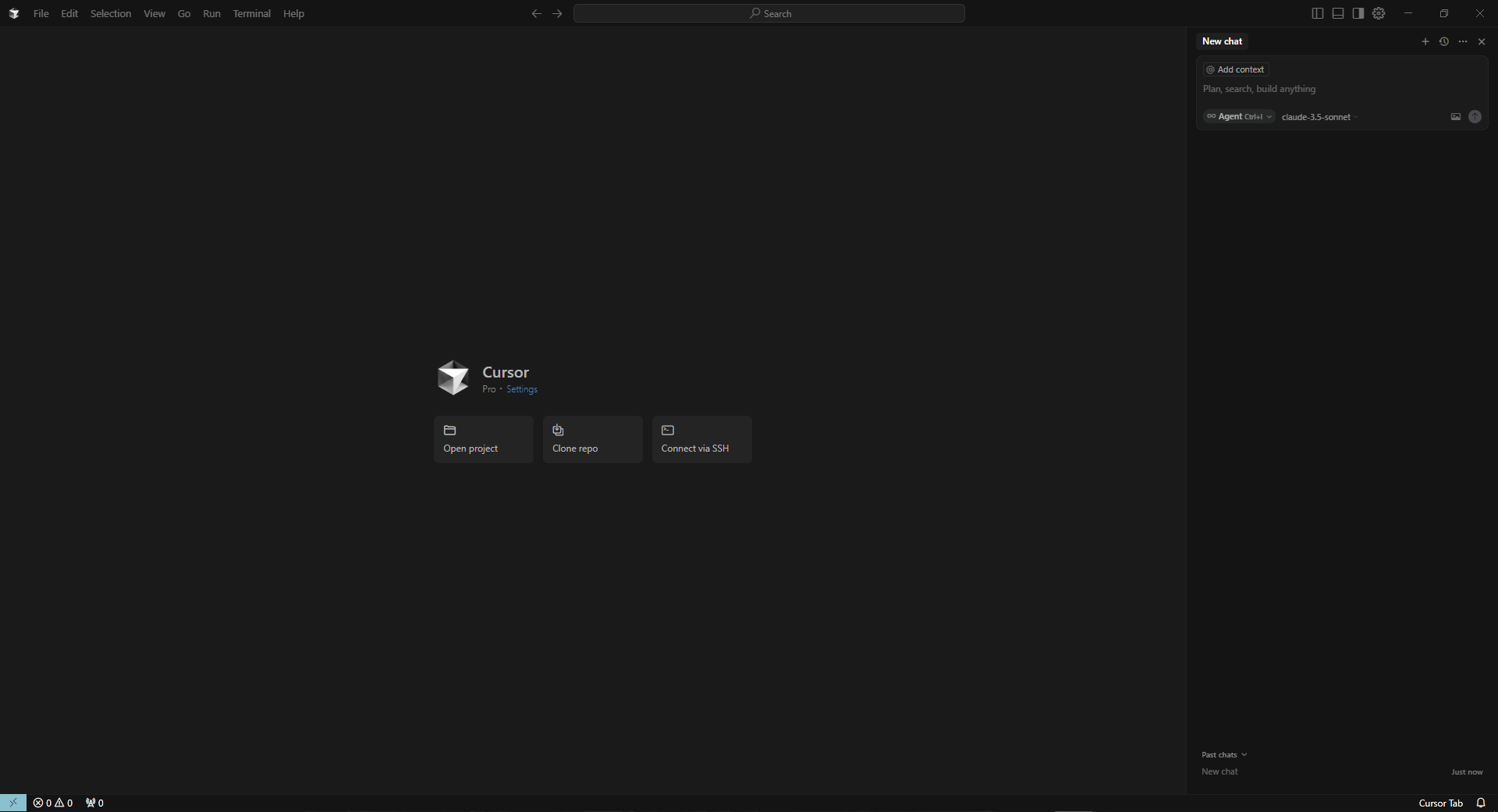
Hey! Good news Finally! Lol (issue was on May 8 [7 days problem]) I have found the solution! Thanks to you 
First is I did try this one, Troubleshooting Guide | Cursor Docs but the thing is it doesnt detect with my CMD…
Secondly, I just open my folder and check any kind of “.cursor” or “cursor” folder and manually deleting it, after all I did this one; Troubleshooting Guide | Cursor Docs but found out it was automatically uninstall also..
Lastly, I did a fresh installation Troubleshooting Guide | Cursor Docs and use the latest version and after that I click the login, try again using EMAIL me with a Code and boom it works!