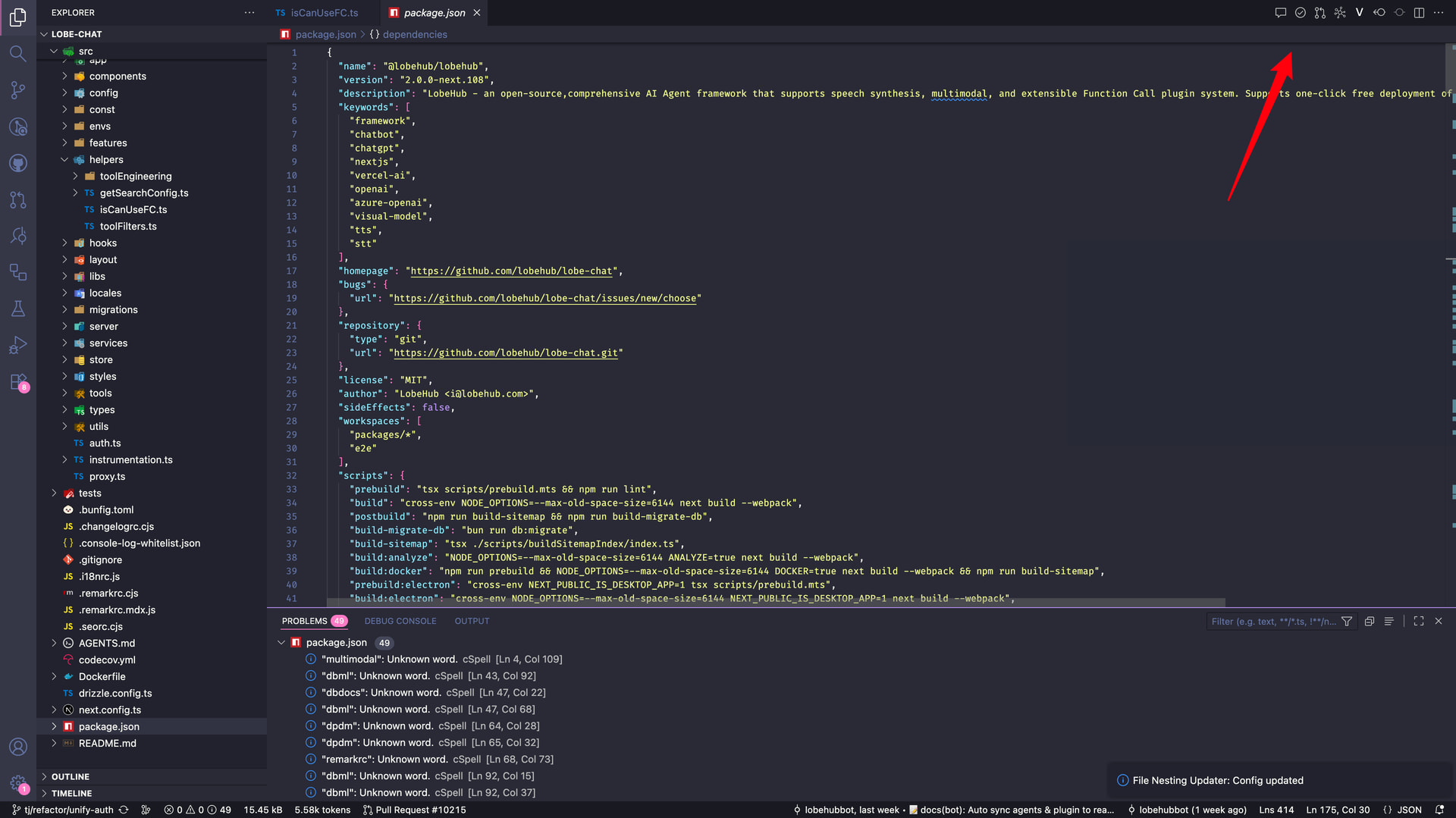
Could you in future tell these in the release notes if you do these very opinionated changes and how to revert them? This 2.1 had this and the auto opening links at least.. Fearing what else one will find..
We did include this as a line in the changelog: Editor Title menu entries have been compressed into the show more menu.
You can change the icon visibility using the Configure Icon Visibility item at the bottom of the menu. We simply changed the default visibility for the icons — everything is backwards compatible.
Hey Jeremie, you can control per-icon visibility using the Configure Icon Visibility item at the bottom of the Show More menu. Nothing is backwards incompatible, we just changed the default.
Removing the icons was a very questionable move. Personally, I didn’t know what to do, it totally looked like a bug. Not only it was completely unclear how to bring the icons back, the mechanism of brining them back is mockingly inefficient: you have to make 3 clicks per icon. Once you toggle one icon, the configuration menu disappears. Perhaps you should have asked AI to create a config dialog
With the "workbench.editor.editorActionsLocation": "titleBar" setting, the icon visibility is not shown. What I did was remove the setting, change the visibility, and then add the setting back in to see the actions in the title bar.
you can control per-icon visibility using the Configure Icon Visibility item at the bottom of the Show More menu
To give background context, I’m an Enterprise Cursor user supporting multiple teams via an in-house extension. The Configure Icon Visibility context menu option isn’t useful because:
It requires the end-user to know that there is something missing.
It requires the end-user to take an action (can’t be controlled programmatically via our extension)
The end-user must do this for each editor action. This is important because we have multiple spread across different editor types.
Yes, I don’t understand why cursor designers create such impractical features that make the IDE difficult to use.
lasttime hide the actvity bar, and last last time another thing.