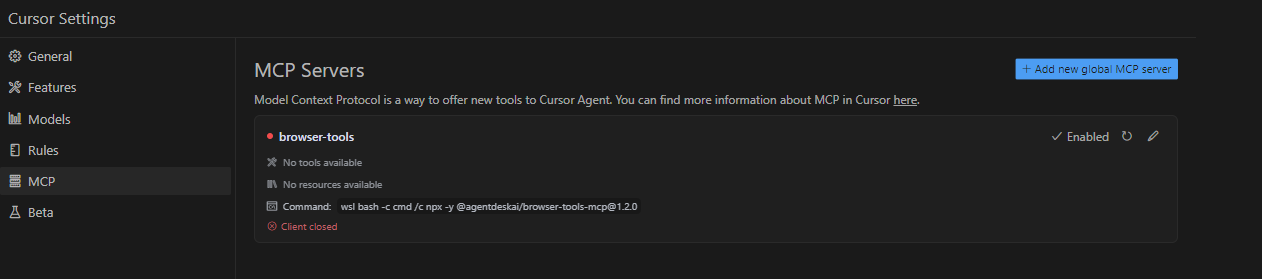
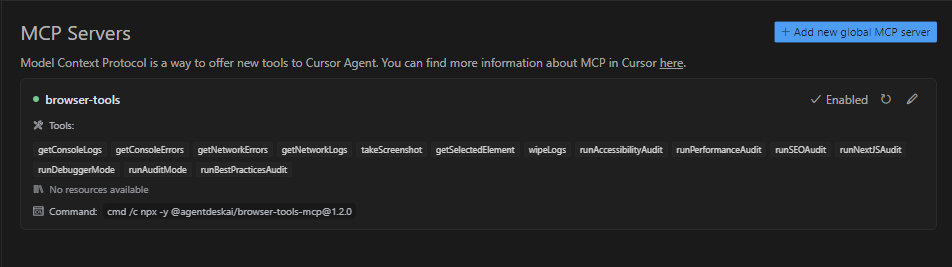
I am trying to add Agentdeskai Browser-Tools-MCP to my cursor on Windows. On settings when I click to add new global MCP Server, it opens up a blank mcp.json.
Is there any tutorial that I can follow to add Browser Tools MCP in cursor on Windows?
In any case I am running windows, I’ve tried the suggested settings as well as tried to configure to run with bash, cmd etc and none seem to work. I can run npx -y @agentdeskai/[email protected] directly in terminal and it will execute and run. But cannot seem to get it configured through MCP json in cursor.