Is it just me, or is the keyboard not working properly now?

Where does the bug appear (feature/product)?

Cursor IDE

Describe the Bug

I use a Mac. Now the option key isn’t working (neither the right nor the left one), so I can’t type “@” in the chat to reference files, which is wasting a lot of my time…

Steps to Reproduce

On Mac, in a chat, just try entering an ‘@’, ‘#’ or ‘|’ by pressing Option + 3, 2, 1. :man_shrugging:t2:

Expected Behavior

same as when you press de @ button

Operating System

MacOS

Current Cursor Version (Menu → About Cursor → Copy)

Versión: 2.0.38
Confirmar: 1.99.3
Fecha: 3fa438a81d579067162dd8767025b788454e6f90
Electron: 2025-10-29T20:45:40.883Z
ElectronBuildId: 34.5.8
Chromium: undefined
Node.js: 132.0.6834.210
V8: 20.19.1
SO: 13.2.152.41-electron.0

Does this stop you from using Cursor

No - Cursor works, but with this issue

4 Likes

2 posts were merged into an existing topic: Context referencing (@) is broken on non-English keyboard layouts in 2.0

I also want to report this bug, I cannot toggle the terminal properly, for example my I have a full terminal height in my editor. But I cannot toggle the terminal again using the same shortcut (should be ctrl+`)

Does anyone have the same issue like this? :sad_but_relieved_face:

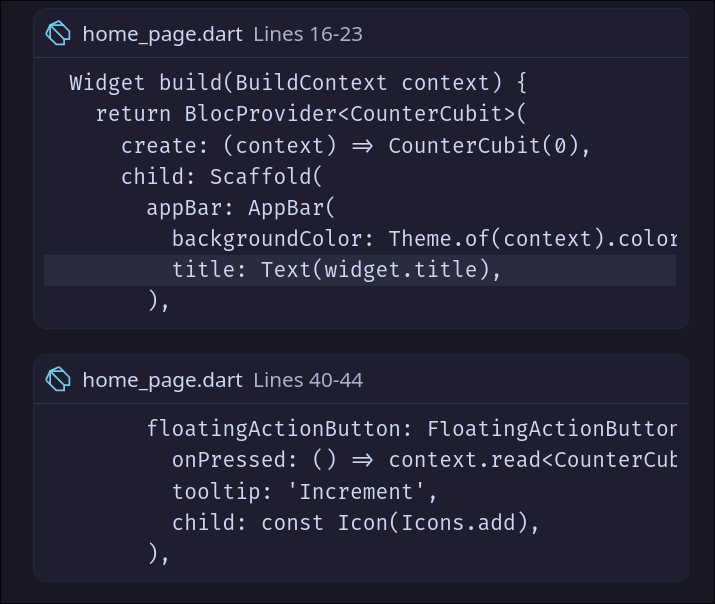
I also noticed that the code suggestions don’t have any colors. Currently, I just tested it on Dart

@JesCR Hey, this is a known issue - I’ve moved your posts to the larger thread.

@orangeMangoDimz Please post each report in it’s own thread please!

2 Likes

I have posted the issue here :folded_hands:

Same problem, cursor changes my keyboard from EN to ES all the time, exact same problem for using @ for context becomes a nuisance.

1 Like