Hey all - this button became the new pencil button in the titlebar, but we’ve heard the feedback. We had a few updates that caused a lot of frustration, so we’re toning down the changes and apologize.
The + button will come back to where you expect it.
It just occurred to me - someone must have had spare time on their hands to waste when taking away this + feature in the first place - can you maybe get them to do things we ask for, like Submit prompt with control+enter in composer - #52 by AndersRHZ instead of removing things we need?
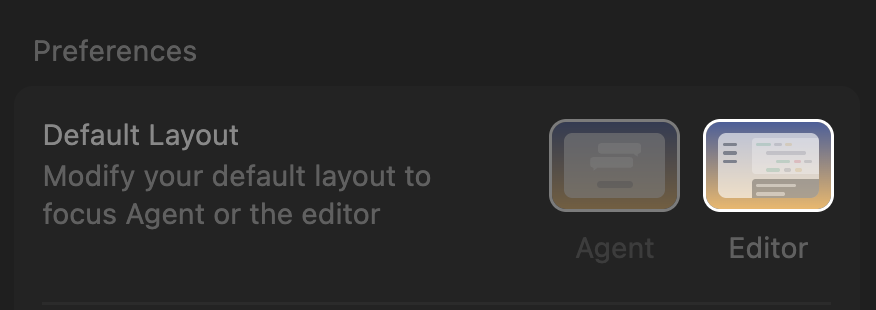
That’s great that we can change to editor mode to see the + button again, by why is the “Switch to Agent Layout” button in the header a one way dead end? It’s like you purposely want users to get stuck in agent layout.
That same arrow button, in Agent Layout, doesn’t even switch you back to Editor layout, instead it just switches the side that the agent is on. I mean it’s the same exact button, and it does two different things. Surely it must be a bug? If I hadn’t found this thread and the keyboard shortcut, I would probably still be stuck in Agent layout.
Can someone explain this? Why do you want to force users into the Agent layout? In this same update you also removed the Agent/Editor toggle buttons that were next the file menu. While I did not agree at all with displacing the most widely standardized menu in all of software (> File), at least we had a clear and clickable UX for switching between these overarching modes.