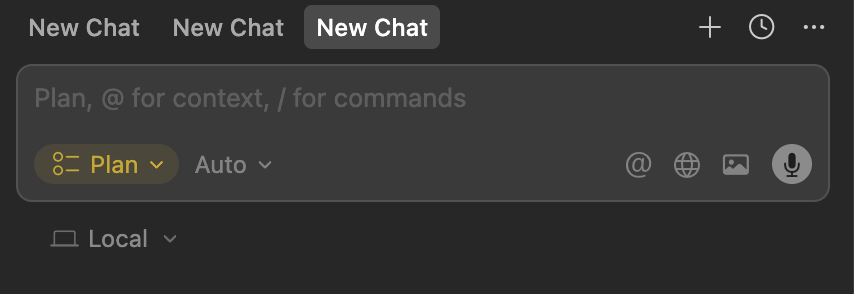
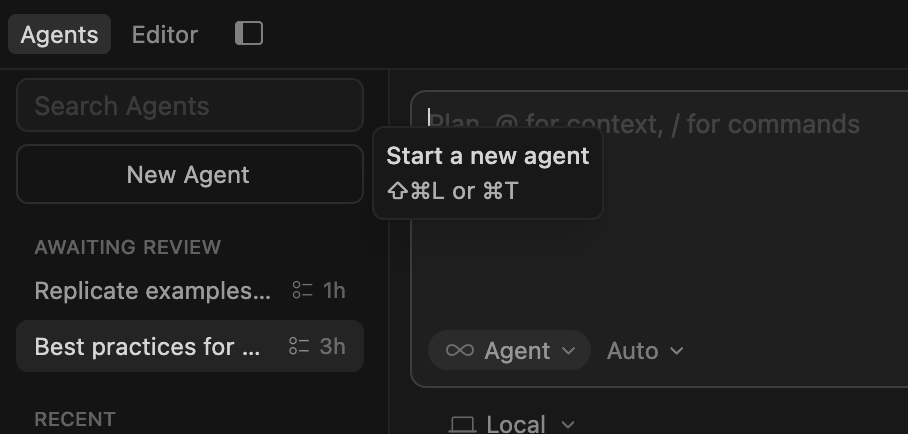
Hey, I ran into a similar oddity a few days ago – Plan mode showed a Pro license requirement, or API key to be removed, even though I didn’t have one. Ask mode had the same problem, and only the Agent mode worked for me.
It’s working fine for me now on the latest build, so make sure you’re updated.
Interesting - when I set the default mode to Plan it works for me as expected, both on the chat pane and on the Agents screen. So I am not sure what’s off in your case.
Hey, thanks for the report. The issue might be how you’re opening the right chat panel, even though your default mode is set to Plan. For clarity, a few details:
Cmd+I always opens Agent mode (shortcut for the side panel)
Cmd+T or Cmd+N should respect your default mode (Plan)
Please try creating a new agent with Cmd+T and let me know if it opens in Plan mode as expected. If it still opens in Agent with Cmd+T, then it’s a bug and I’ll escalate it.
It appears that this setting has been non-functional for a considerable period, and we have received minimal feedback regarding it. As a result, we will be removing this setting in version 2.5.
As of version 2.4, Cursor can automatically request to switch to a more suitable mode when it detects that another mode would better accommodate the given task. You can also set Auto-Approved Mode Transitions (Cursor Settings > Agents > Auto-Run) to do this without your explicit approval.