LangQi99
(Lang Qi99)
1
Describe the Bug
because of low version of vscode, I can not download ext named pylance.(Linux version)
Steps to Reproduce
install linux cursor
Operating System
Linux
Current Cursor Version (Menu → About Cursor → Copy)
Version: 1.1.3
VSCode Version: 1.96.2
Commit: 979ba33804ac150108481c14e0b5cb970bda3260
Date: 2025-06-15T06:37:42.715Z
Electron: 34.5.1
Chromium: 132.0.6834.210
Node.js: 20.19.0
V8: 13.2.152.41-electron.0
OS: Linux x64 6.11.0-26-generic
Does this stop you from using Cursor
Yes - Cursor is unusable
Hi, could you try installing the Python extension by Anysphere? We do not support Pylance.
LangQi99
(Lang Qi99)
5
some other extensions may also require higher version, it is not necessary for me, but i just want to know is that normal?
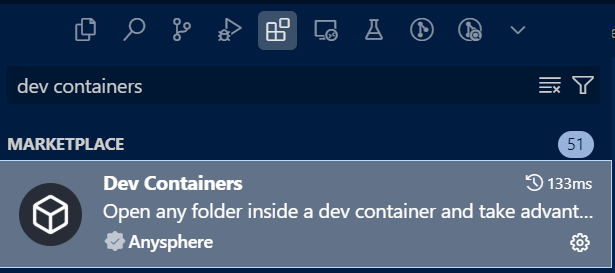
Hi @LangQi99, for remote docker development, please use the Anysphere Dev Containers extension – attaching a screenshot:
LangQi99
(Lang Qi99)
7
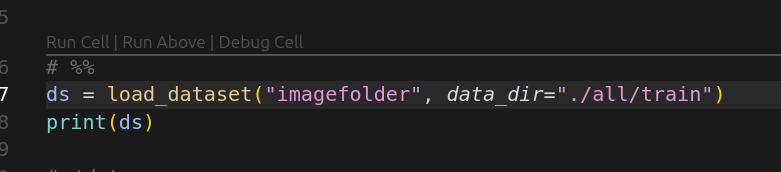
using Python cursor.com
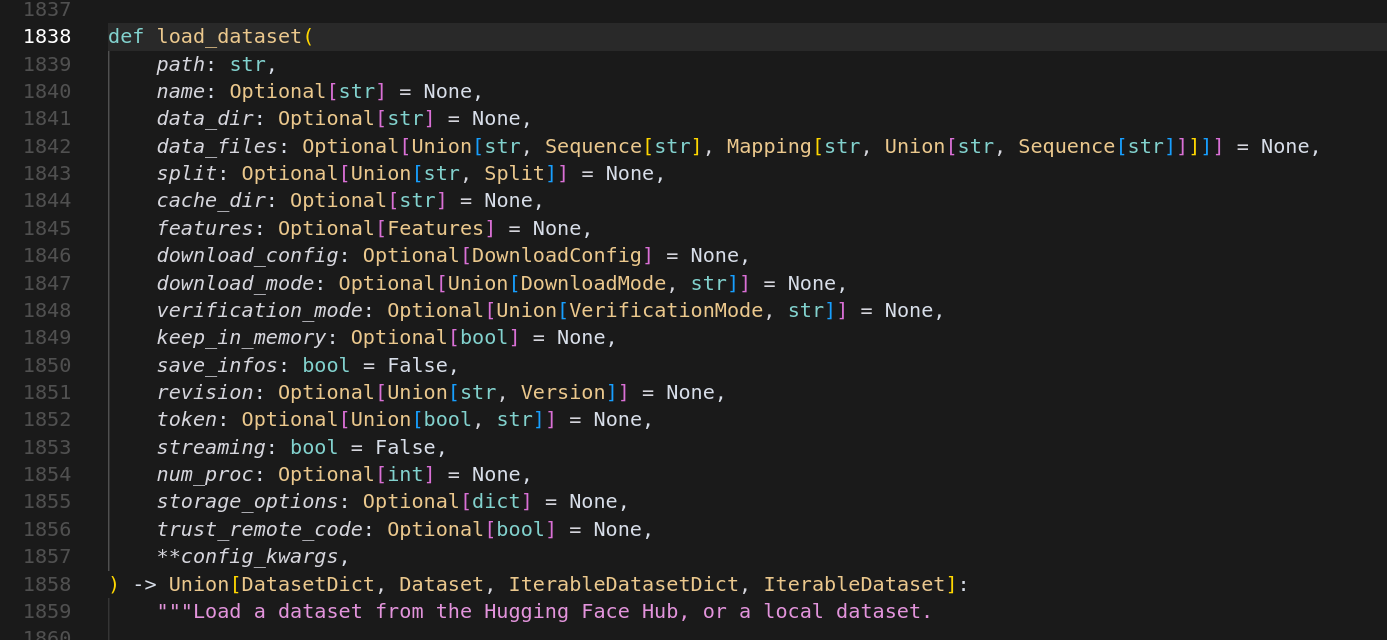
this code can be run but it shows me error
But in my windows, it shows no error.
How can i solve this?
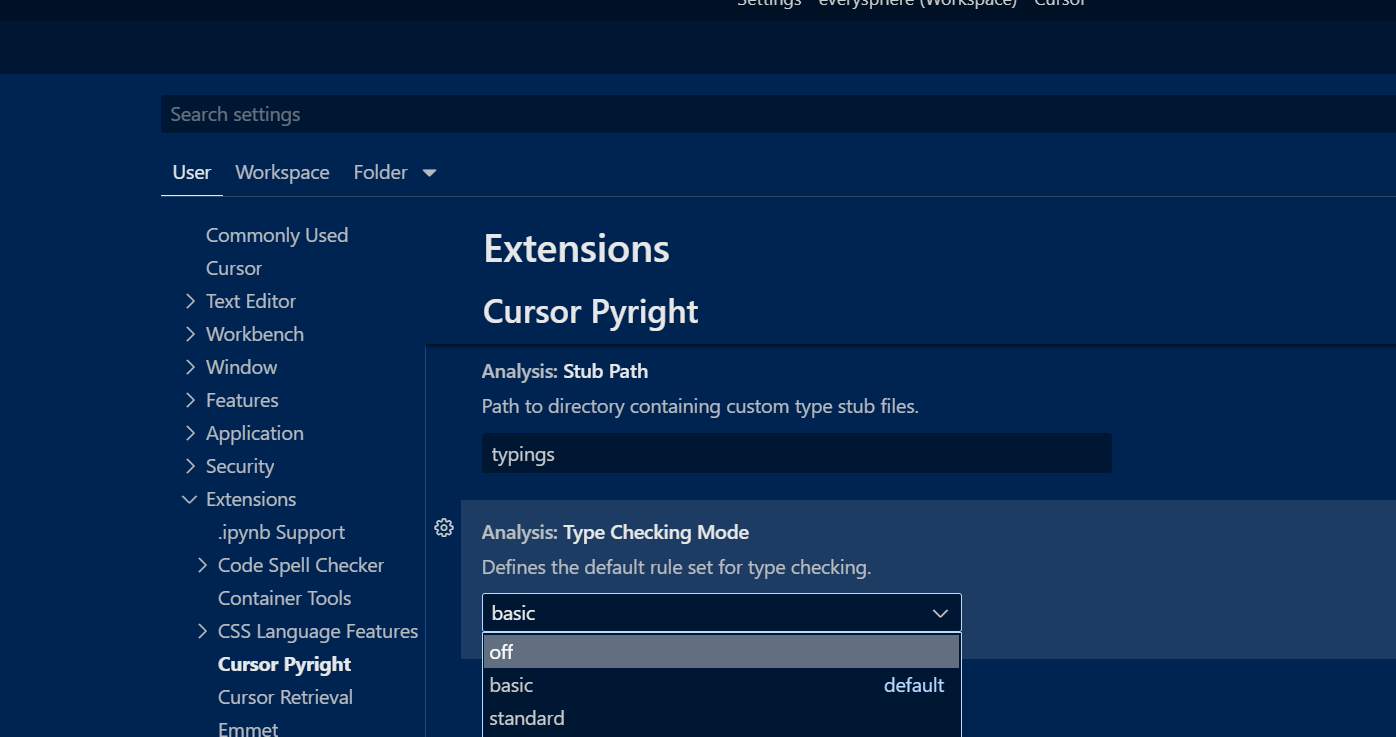
Hi @LangQi99, you can change the cursorpyright.analysis.typeCheckingMode setting to “off” to hide all errors.
LangQi99
(Lang Qi99)
9
Python extension by Anysphere sometime is more strict even in mode basic and turning off typeCheckingMode seems lost its meaning
system
(system)
Closed
11
This topic was automatically closed 30 days after the last reply. New replies are no longer allowed.