Today when I opened Cursor, it showed the initial installation/login interface even though I had already used the app before. Once it launched, I was initially worried that my previous chats were gone but they did show up eventually.
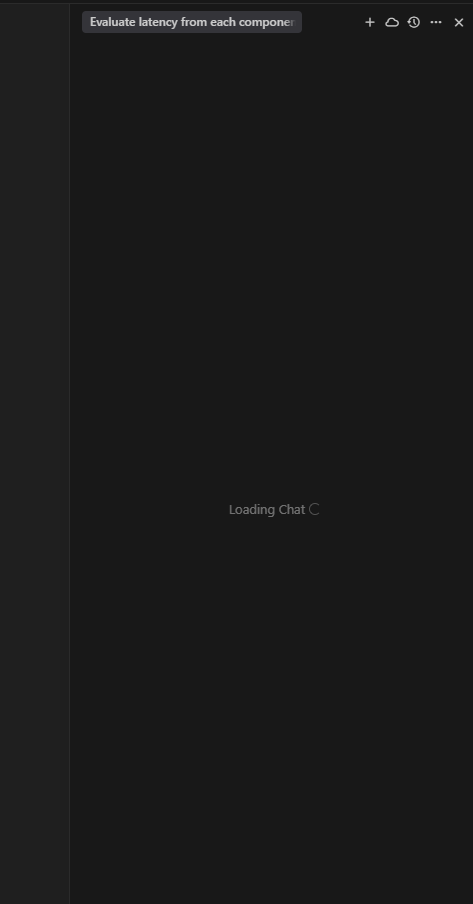
However, when I clicked on any of the old chats, they wouldn’t load, and instead, a new chat automatically popped up, even though I didn’t initiate it.
I thought this was a bug introduced in v1.3.0, so I rolled back to v1.2.4, but the same issue occurred there too which was very frustrating.
Steps to Reproduce
Open Cursor after updating (or on a fresh open).
Wait for previous chats to show.
Click any previous chat.
Instead of loading, a new chat interface opens automatically.
Expected Behavior
Clicking a previous chat should open and load that chat’s content.
Hey, I think this might be related to a large amount of your chat history. To resolve the issue, try manually deleting most of the history. You can also try renaming the project or moving it. This will help you quickly clear the history.
I’m sorry about that, but Cursor isn’t the best place for long term chat history storage. You can use this extension, it allows you to save chat history as Markdown files: