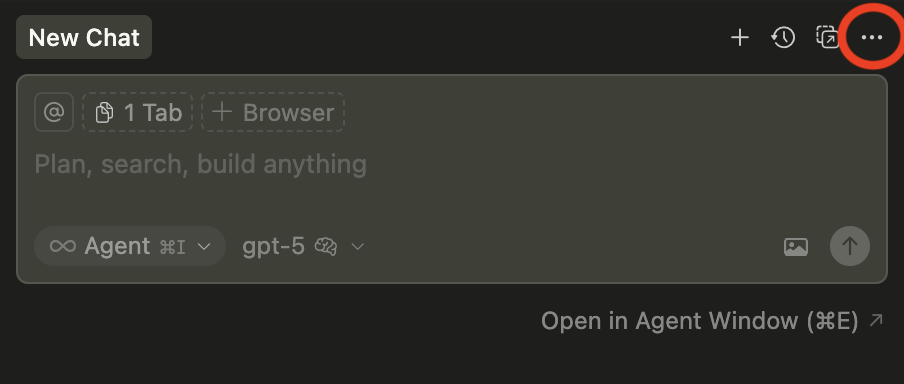
In previous versions of cursor, the right hand panel had an “x” to close in the top right corner. Now, you have to click on the three dots (circled below). Is there a way to make the “x” appear in the top right corner as before? Something in settings?