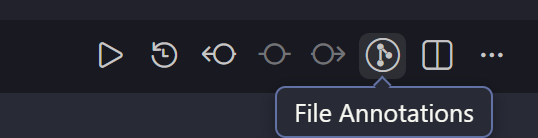
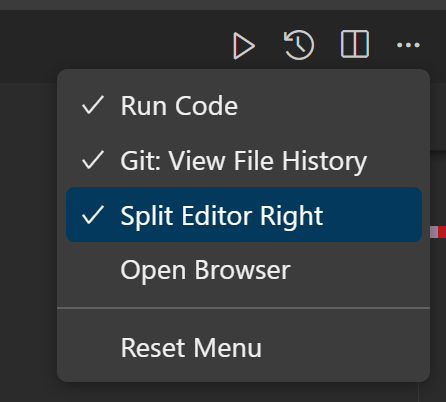
I’ve tried this before, but as you can see there aren’t any GitLens icons in the menu even though the extension is set up.
In VSCode everything works fine.
I was having the same issue. Going to my cursor extensions → Click gear icon on Gitlens extension → Install specific version, then install a previous version/restart extension.
After that I re-upgraded to the latest version, restart extension again.
Then in the top right three dot menu → Configure Icon Visibility, the old options for File annotations etc is there again.