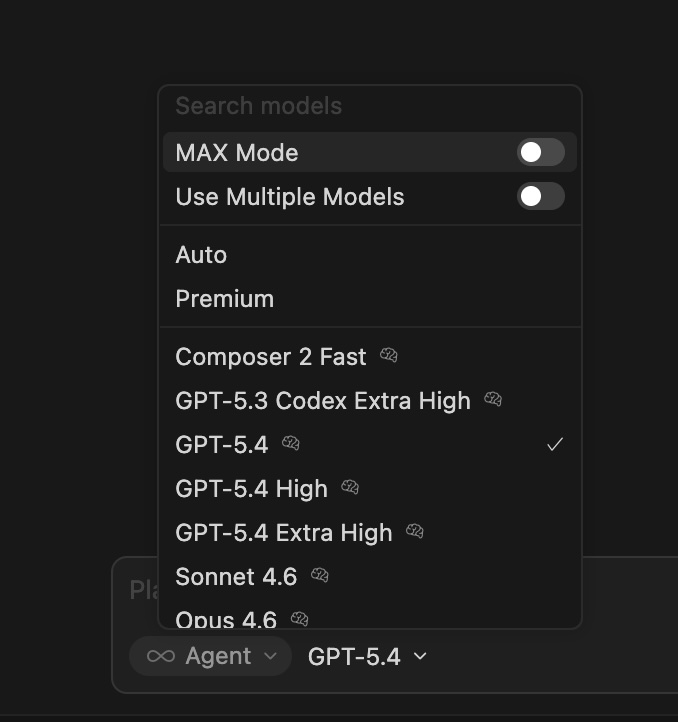
Hey, this is a known bug in the CLI model selector. When one model name is a prefix of another like “GPT-5.4” vs “GPT-5.4 1M”, the selector re-filters the list instead of confirming your selection.
Workaround: try typing /model gpt-5.4 with a trailing space, then press Enter right away. It’s not perfect, but it avoids the re-filtering.
For the High and Extra High options, they’re available in the parameterized picker by pressing Tab on the “GPT-5.4” line, which opens the quality tier picker. The UX there is honestly not obvious.
I tried this but unfortunately it does not work. In each case (tab or enter, with space or not) I end up with “GPT-5.4 1M”. So now there is absolutely no way for me to pick GPT-5.4 in CLI.