pahen
(Patrik Henningsson)
1
Where does the bug appear (feature/product)?
Cursor IDE
Describe the Bug
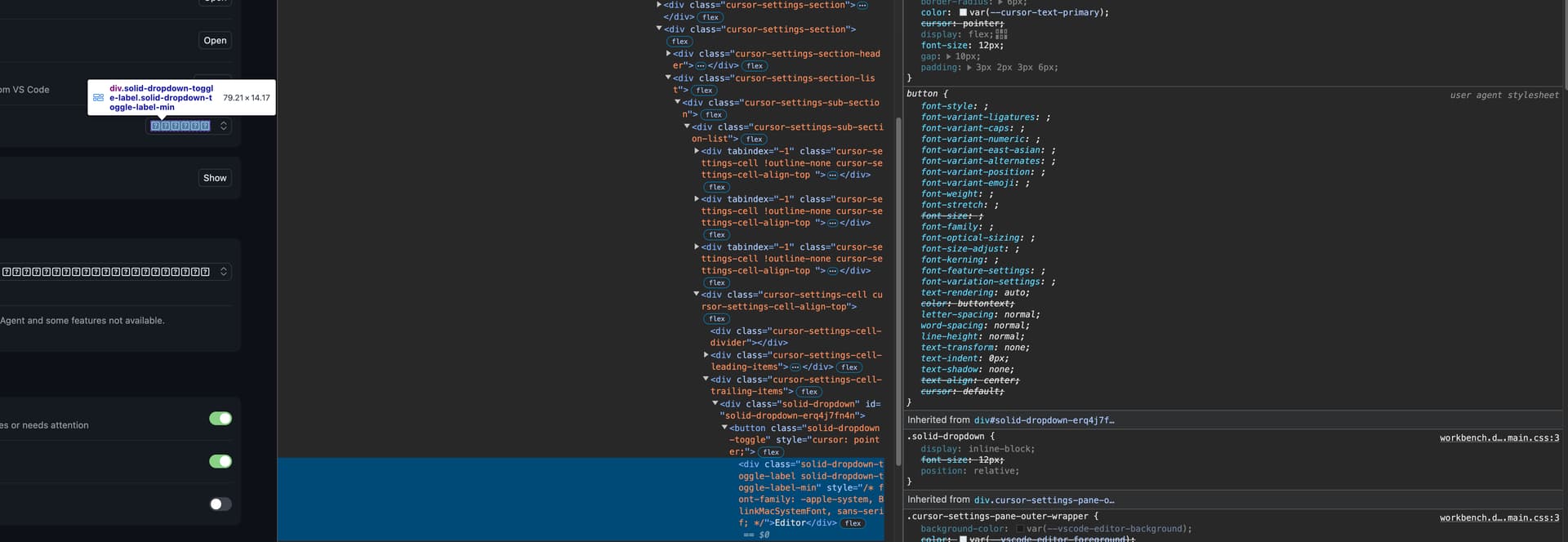
I’m getting weird question marks in the UI after upgrading to MacOS Tahoe 26.0.1.
Steps to Reproduce
Upgrade to MacOS Tahoe.
Screenshots / Screen Recordings
Operating System
MacOS
Current Cursor Version (Menu → About Cursor → Copy)
Version: 1.7.23
VSCode Version: 1.99.3
Commit: 5069385c5a69db511722405ab5aeadc01579afd0
Date: 2025-09-30T02:52:09.100Z
Electron: 34.5.8
Chromium: 132.0.6834.210
Node.js: 20.19.1
V8: 13.2.152.41-electron.0
OS: Darwin arm64 25.0.0
Does this stop you from using Cursor
No - Cursor works, but with this issue
sanjeed5
(Sanjeed)
2
Thanks for the report, I’ve passed it on to the team.
deanrie
(Dean Rie)
4
Hey, could you let me know if your language differs from English in your system and in Cursor?
pahen
(Patrik Henningsson)
6
I’m also seeing this issue in the settings.
pahen
(Patrik Henningsson)
7
I did some research myself and it seems to be wrong user agent styles applied on that button.
If I add font-family to the button it’s displayed as expected.
pahen
(Patrik Henningsson)
8
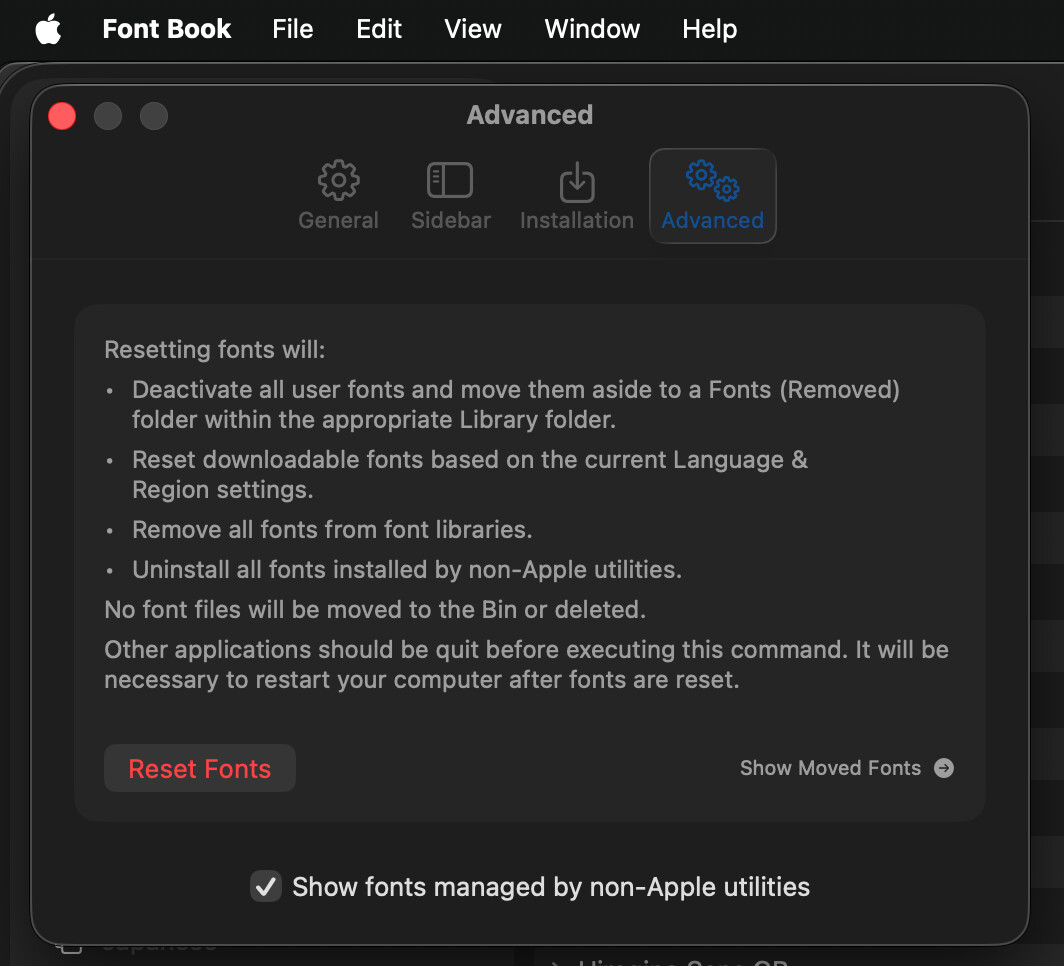
I was able to fix it by resetting the fonts. So this was probably related to my machine. All good now