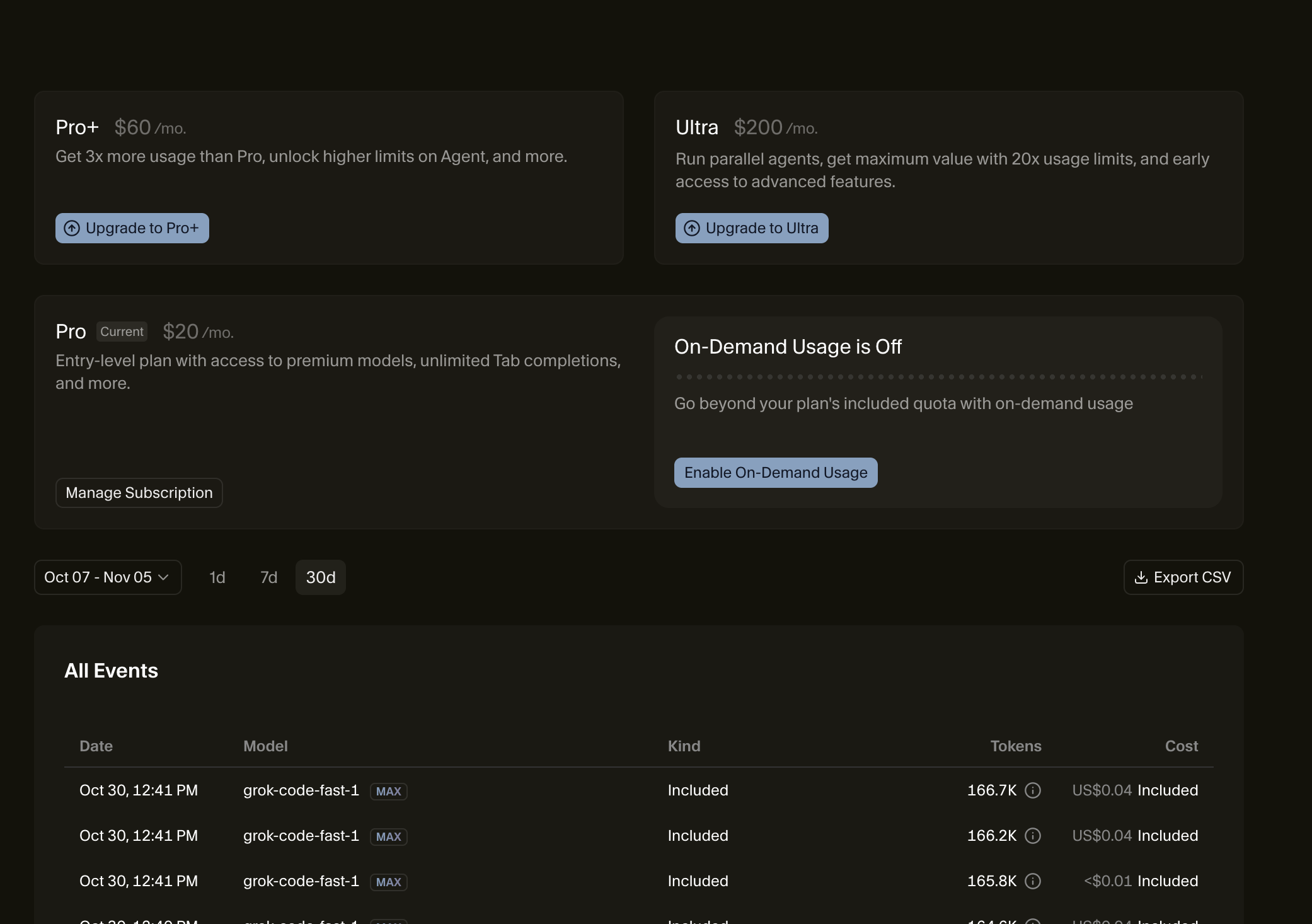
Can you make it clear in the dashboard when the credits are gone and how many days are left until the “reset”? Unable to find out how many credits are left, if we run out of credits, and how many days until the next reset. Pro acc here - many thanks
Steps to Reproduce
NA
Expected Behavior
NA
Operating System
MacOS
Current Cursor Version (Menu → About Cursor → Copy)
Hey, thanks for the feedback! You can view your renewal date and manage your subscription by going to Cursor - The AI Code Editor and clicking Manage Subscription.
For usage details, check the Usage section in your dashboard, it shows your AI requests and resource consumption.
I agree the display could be clearer, I’ll pass this to the team to make remaining credits and days until reset more prominent.
Where on earth do I see when my next cycle starts? It is no way to see, so I am somehow relying on you to tell me when it is ready (email?) or do I have to ask an LLM every single day if I can finally use cursor again? What on earth is this mess…come on guys…
Seriously now, I am on a Pro acc and my calendar suggest that my monthly sub renews on the 26th of Oct but no, Cursor insists that I have to pay if I wanna use it. RN it is impossible for me to see from the billing menu or pages when this thing renews each month so what’s going on? I am paying pro for what…to use my own keys?
HELOOOO??? I still need an update on this, when on earth can I start using Cursor again? I have paid the whole year in advance, on a pro package, and have no idea when I can use it again?
Nope. I only see what I have purchased the pro package, is that the same day when it renews the credits? And how many credits? And how do I know when they’re consumed, and how do I know how many were consumed? Such a mess…
Yes it would be the same date as it renews on the same day every month.
Cursor uses tokens as measured and reported by AI providers. e.g. on a $20 plan you get $20 worth of AI usage based on model token price and context used. Additionally we include a Bonus that gives you extra usage.
All that is shown in Billing & Invoices.
Also we show the usage summary in Cursor app itself: Settings > Agents > Usage Summary, you can set it to always to always see your consumption total.
Something is definitely not right here. I just fired up cursor - haven’t been able to use it for almost a month now, and I am still getting the same message that I have to “upgrade”. I am on a PRO PLAN and unable to use it at all…pls advise.
Each plan has an Opus usage limit per month. If you have hit your Opus usage limit you will be asked to choose another model or switch to On-Demand pricing.