Where in settings do I turn off data sharing? Just installed Cursor on a new PC. It would not let me leave the “Turn on data sharing” checkbox unchecked. (What a DISGUSTING way to manipulate the users to try and leach data from them. You all should be ashamed!). It said I can turn it off in Settings. How do I turn it off in Settings? I can’t find the option.
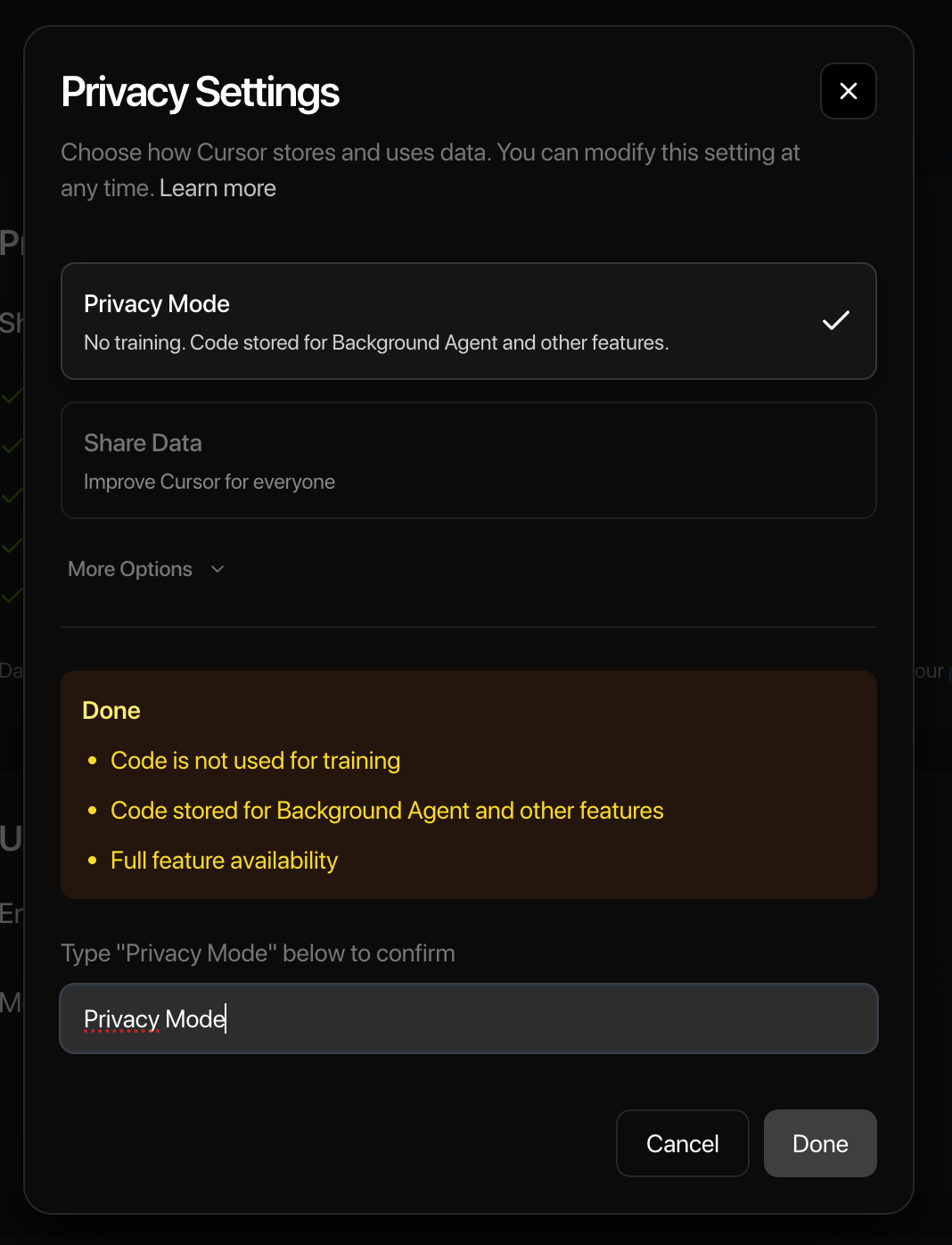
Hey, you can enable privacy mode in two places.
First, directly in Cursor. To do this, open Cursor settings using Cmd/Ctrl + Shift + J, and at the bottom of the General tab, you’ll find the settings for it.

Second, go to your account using this link, and you can do it from the interface in your account.
1 Like
I don’t have this option in the IDE.
The installation said I’d have it in settings→privacy, but that doesn’t exist.

You have to sign in first if you want to do it in the IDE. Otherwise do it from your online account dashboard. Cursor - The AI Code Editor
Thanks. Mentioning it in the installation guide and in the threads here would save time, thanks!!