Hey, I checked the Request ID. Bugbot isn’t letting the PR through because the GitHub account linked to your Cursor subscription doesn’t match the PR author.
On Individual Pro, Bugbot only reviews PRs where the author is the same GitHub account that’s linked to Cursor. The earlier PRs in this repo #1, #2, #64, #65 were reviewed because the link was correct, but something changed. Maybe after the reconnect you mentioned. vansteenbergheolivier+github vs van.steenberghe.olivier could be different GitHub accounts.
What to try:
Go to https://cursor.com/dashboard?tab=integrations and check which GitHub account is linked right now. If it’s not the one you use to open PRs in ovsteenb/b_k, reconnect the correct one.
On GitHub, go to Settings > Applications > Installed GitHub Apps and make sure there’s only one Cursor app installed, no duplicates, and that it’s installed for the right org or account ovsteenb.
After that, create a new PR and try @cursor review.
If you need Bugbot to review PRs from any contributors, not only the account linked to the subscription, that’s available on the Teams plan.
Let me know how it goes. If the linking looks correct and the review still won’t start, we can dig deeper.
Thank you for looking into this. I double checked and the linked github account was ovsteenb, which is the same acc the pr was created.
I removed the cursor app from github and disconnected & reinstalled.
I run a new request
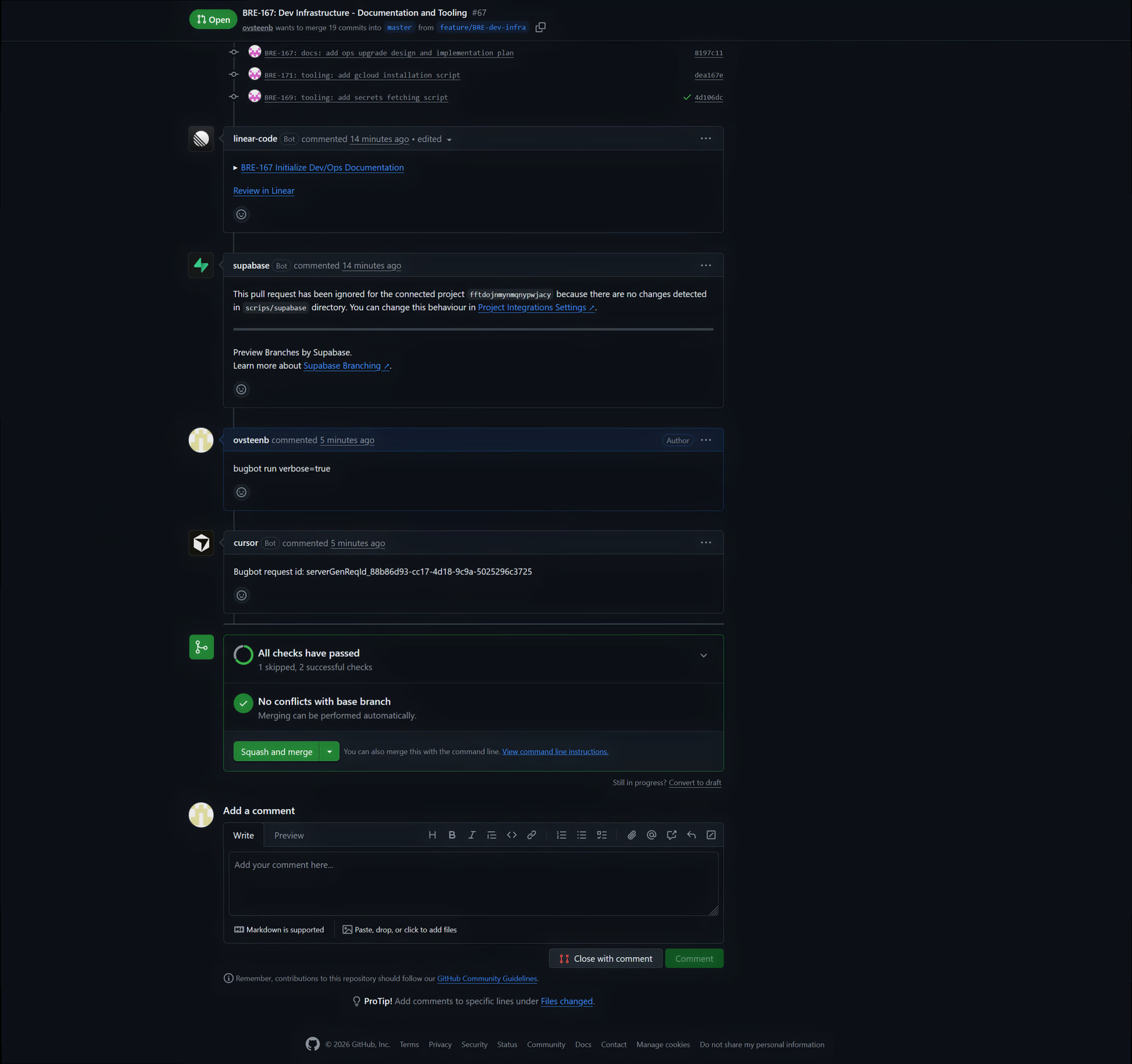
Bugbot request id: serverGenReqId_88b86d93-cc17-4d18-9c9a-5025296c3725
still not working.
Got an update from the logs. The first three attempts failed with “GitHub App installation does not have access to required repositories”. So the linked account isn’t the issue, yours looks correct, ovsteenb everywhere. It’s the GitHub App installation scope.
When you reinstalled the Cursor GitHub App, GitHub likely asked you to choose between “All repositories” or “Only select repositories”. If you picked the second option, ovsteenb/b_k might not be in the selected list.
Could you check this:
On GitHub go to Settings > Applications > Installed GitHub Apps > Cursor > Configure.
Under “Repository access”, either select “All repositories”, or if you keep “Only select repositories” make sure ovsteenb/b_k is explicitly added.
Save, then trigger @cursor review on a fresh PR.
If it still doesn’t go through after that, drop the new Request ID here and we’ll check again.