Where does the bug appear (feature/product)?
Cursor IDE
Describe the Bug
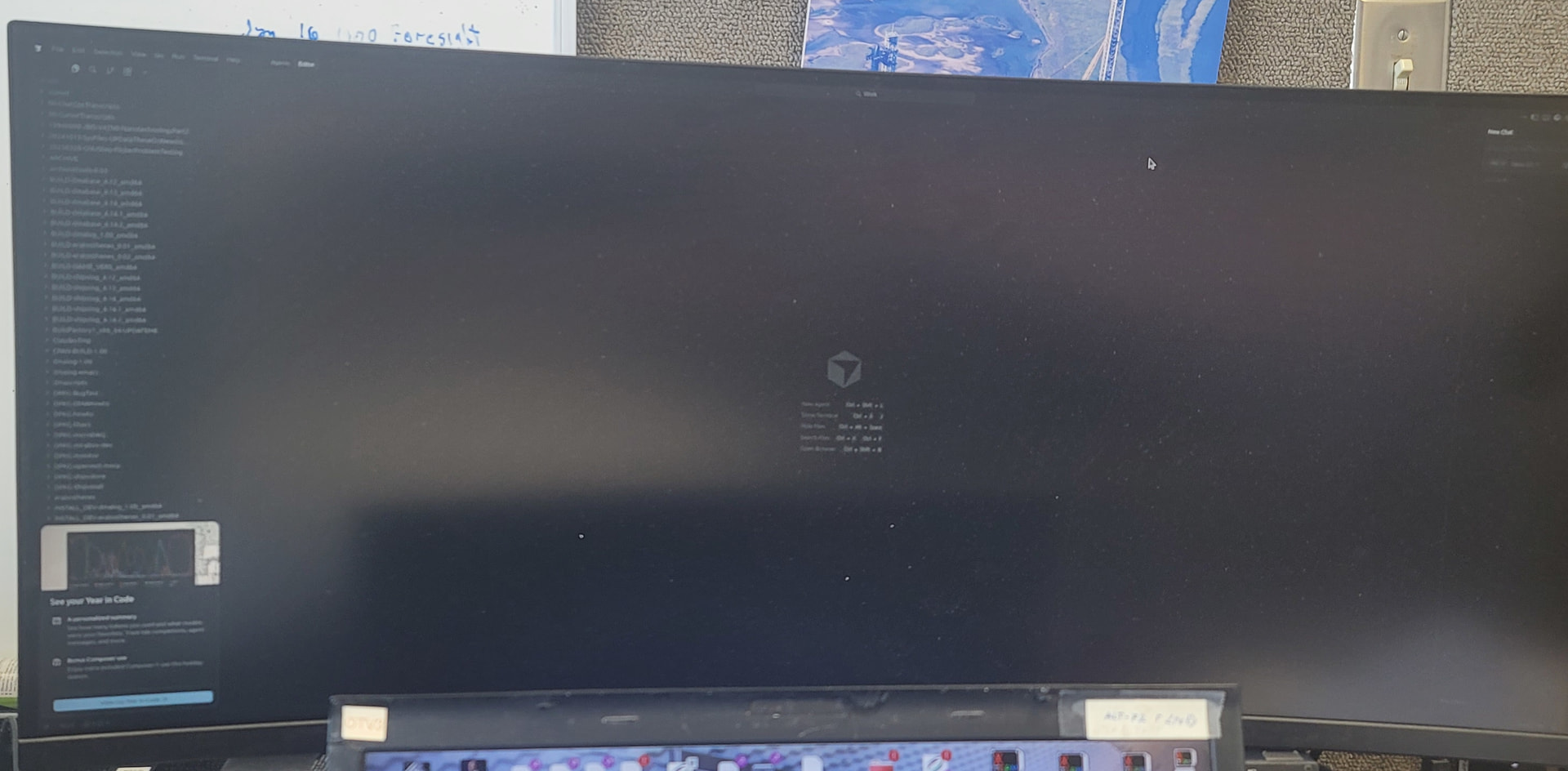
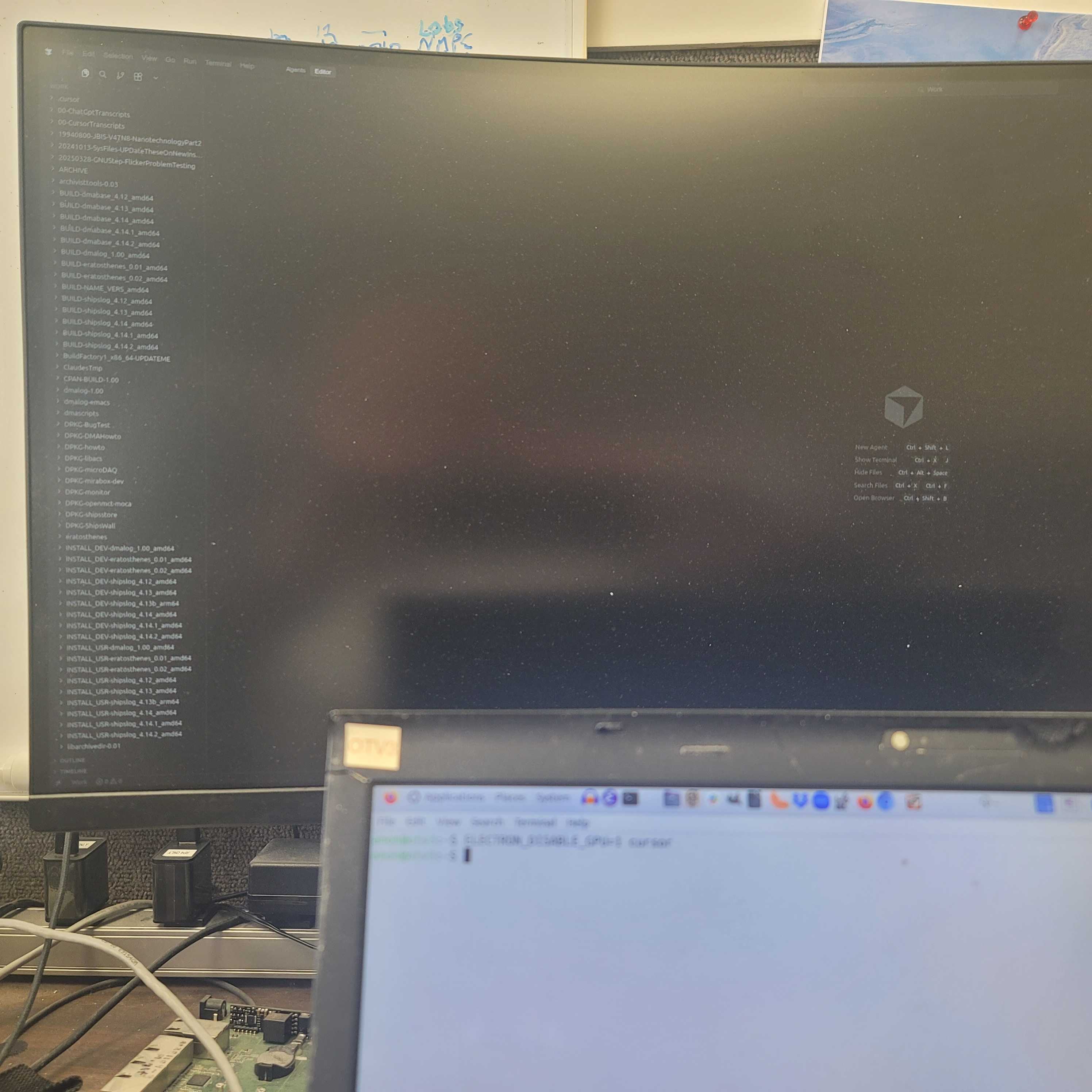
I cannot seem to get back to my work (~/,config/Cursor) and to make it worse, I can barely see the screen as the GUI mode seems to be ‘black cat on a black blanket on a moonless night’.
I am updating via debian dselect / apt-get. One day I had a working system… I did an update and it showed my former chat as an agent and gave me a wait cursor that ran for many hours before I killed it. This situation persisted until yesterday’s update when everything failed.
I do not know if it has trashed months of work or not.
Steps to Reproduce
Start up Cursor.
It gives a nearly pure black screen with invisible darkgrey print.
It does not use my previous ~/.config/Cursor state and chat
Expected Behavior
It should start up into my previous chat (or agent under new structure) without going into a wait forever loop.
Operating System
Linux
Current Cursor Version (Menu → About Cursor → Copy)
Version: 2.3.29
VSCode Version: 1.105.1
Commit: 4ca9b38c6c97d4243bf0c61e51426667cb964bd0
Date: 2026-01-08T00:34:49.798Z
Electron: 37.7.0
Chromium: 138.0.7204.251
Node.js: 22.20.0
V8: 13.8.258.32-electron.0
OS: Linux x64 6.8.0-88-lowlatency
For AI issues: which model did you use?
Claude
Additional Information
2nd try. I typed this all in, the frontend declared the topic name used, and it blew away everything I had entered here… not nice.
I was in the midst of critical development when an update wrecked my working environment. I am unable to get at the 6 months of chats in which I trained Claude on my very large code base, format and build styles. I had to abandon use of Cursor because I had a fixed deadline.
I had email exchanges with Reis, but your system decided while I was away on test and then on Christmas break that my request was to be closed. I suggest you tie that older request to this one as we had made zero progress on the issues.
This is the second time I’ve had Cursor AI give problems with data base access after an update. On the previous occassion I managed to dig into the data base manually and recover. So far I have been unable to do so on this issue.
I do have backups from before the update which apparently trashed my .config/cursor files, but I think some understanding of what went wrong is important.
I have a bit of time clear without any hard deadlines, so if Reis could re-engage, that would be appreciated.
Does this stop you from using Cursor
Yes - Cursor is unusable