ls -la ~/.config/Cursor/User/globalStorage/
total 536
drwxrwxr-x 2 amon amon 4096 Jan 9 14:43 .
drwxrwxr-x 6 amon amon 4096 Dec 3 15:23 ..
-rw-r–r-- 1 amon amon 528384 Jan 9 14:43 state.vscdb
-rw-rw-r-- 1 amon amon 20 Jan 9 10:47 state.vscdb.options.json
-rw-rw-r-- 1 amon amon 2395 Jan 9 11:35 storage.json
Look for files with .corrupted. in the name. They contain your backup data. If you find any:
- Fully close Cursor
- In ~/.config/Cursor/User/globalStorage/:
* Move state.vscdb and state.vscdb.backup to a backup folder
* Rename the .corrupted.* file to state.vscdb - Restart Cursor
So, it is not showing outwardly as corrupted. Perhaps it is there but I cannot see the menu entries to get to it? The top bar has changed while I was off doing interesting things, and I am not at all sure where things are.
Reference: Tutorial: how to fix “Loading Chat” and recover history (Cursor v2.3.x)https://forum.cursor.com/t/tutorial-how-to-fix-loading-chat-and-recover-history-cursor-v2-3-x/148023
About the black screen, let’s get the correct info about your GPU:
amon@otv3:~$ lspci | grep -i vga
00:02.0 VGA compatible controller: Intel Corporation 2nd Generation Core Processor Family Integrated Graphics Controller (rev 09)
01:00.0 VGA compatible controller: NVIDIA Corporation GF108GLM [Quadro 1000M] (rev a1)
glxinfo | grep “OpenGL renderer”
OpenGL renderer string: Mesa Intel(R) HD Graphics 3000 (SNB GT2)
Also try launching with:
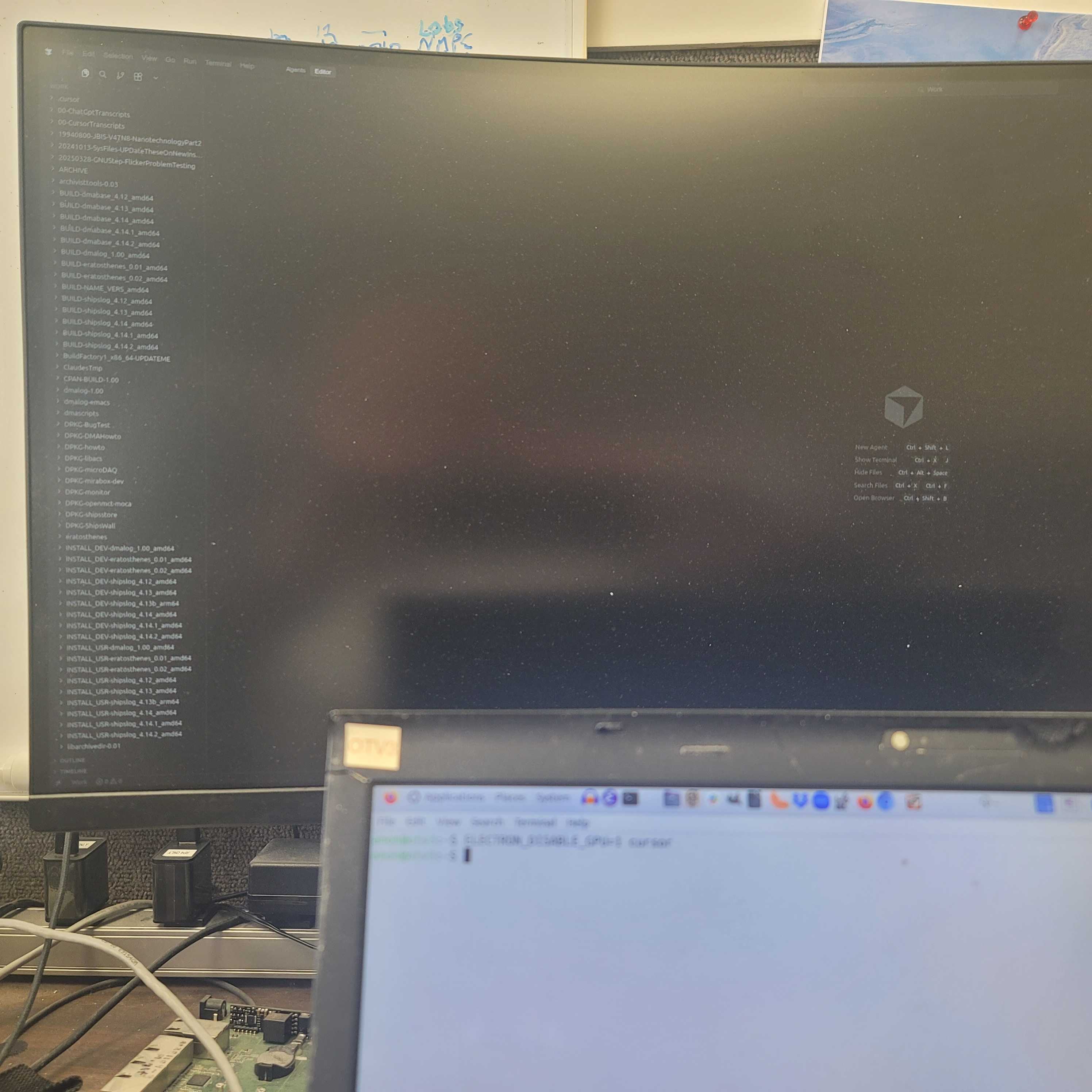
ELECTRON_DISABLE_GPU=1 cursor
Shown in image.
Please share the command outputs and the contents of the globalStorage/ directory.
Shown earlier.