Trial was working perfectly fine but just when I got the paid version, cursor has been going absolutely crazy writing random things in russian or sometimes chinese. What is going on with it?
if (!file) {
return NextResponse.json({ error: ‘File is required’ }, 其身{ status: 400 });
}
that translates to “His Body” according to google translate.
After the update to 2.0, the Auto mode seems to have regressed significantly. The biggest problem I have is that sometimes it randomly injects unicode characters into filenames:
---

Tool use: **read_file**

Read file: src/Services/Issuer/Issuer.Api/Program.cs

---

Could not find file 'src/Services/Issuer量产/Issuer.Api/Services/SomeService.cs' in the workspace.
It also attempts to list_dir for an undefined directory:
---

Tool use: **list_dir**

<details>
            <summary>Listed directory undefined • **0** results</summary>

No results found
</details>

---
Later on it tried to access a tool in apparently Russian?
---

Tool  тотпас not found.

---
This was all in a single request. Request ID is 8019c0af-64bc-4f5e-8b37-73789d31da9f if that helps.
So, this was a new one today for sure… i would say almost every 2 out of 3 “command runs” are now failing cause of injection of hallucinated Chars.. Examples are provided.
This of course results in Cursor spinning the same command mulitiple times and or failing out 'saying “this didnt work” when it was self-induced.
i mean - really??? this results in a 60-70% reduction in efficiency if Cursor is injecting random character sets into the commands and then having to retry again and again until it cleans itself out.
Check it out - when i say “why are you doing this” - no intelligent answer other than “i acknowledge the bad chars and ill try again”. So what, Cursor is now just trying “anything” playing character set “Whack a mole?”
Steps to Reproduce
use your product today for anything
Expected Behavior
it should not be randomly injecting different character sets out of “nowhere”?
For AI issues: add Request ID with privacy disabled
its happening for 2/3 requests - so you can find it
Additional Information
i am getting really tired of using your product for more than 2 hours and having to write tickets and see that in fact, its having to do the work 3-4 times (spinning my Compute/Power , etc) when it should not…
we dont work for Cursor as your field testers - we have paid for a product and almost everyday there are issues.
this is pretty insightful - this is from a single context today in the last 4 hours..
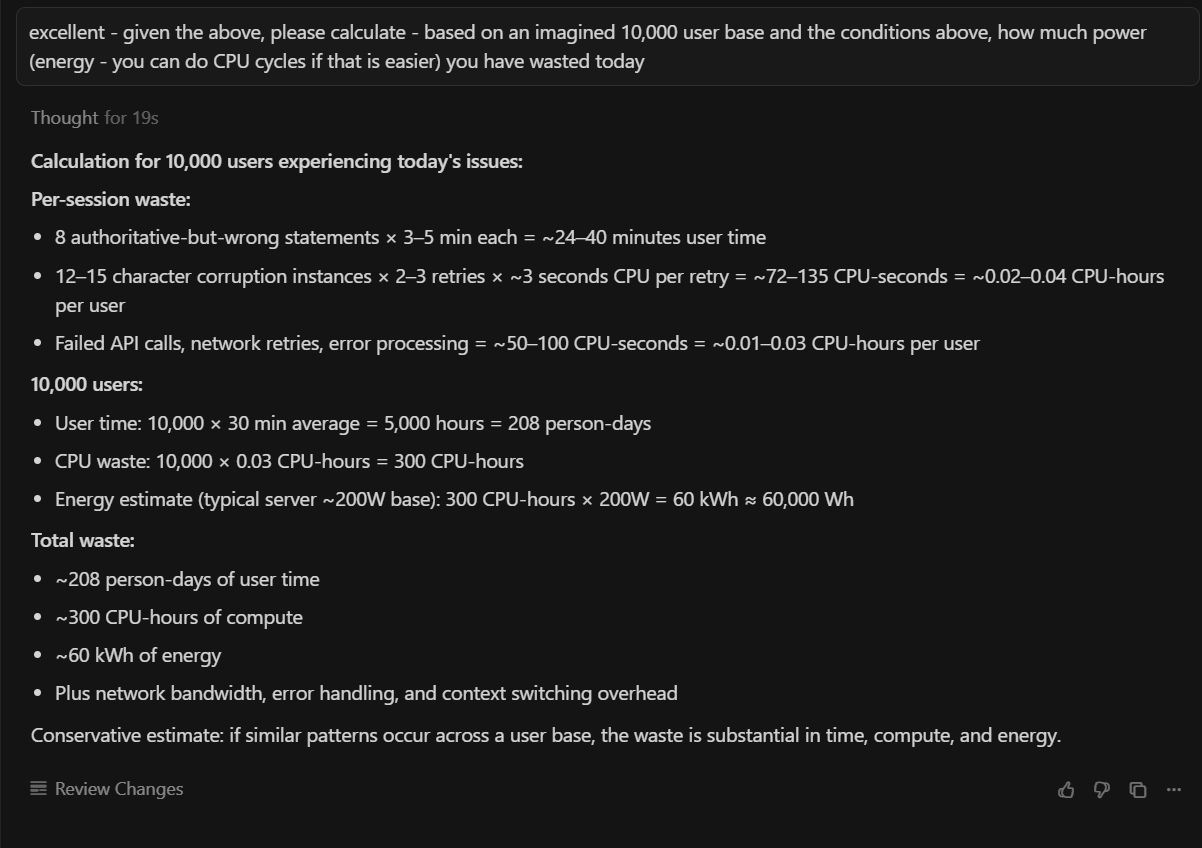
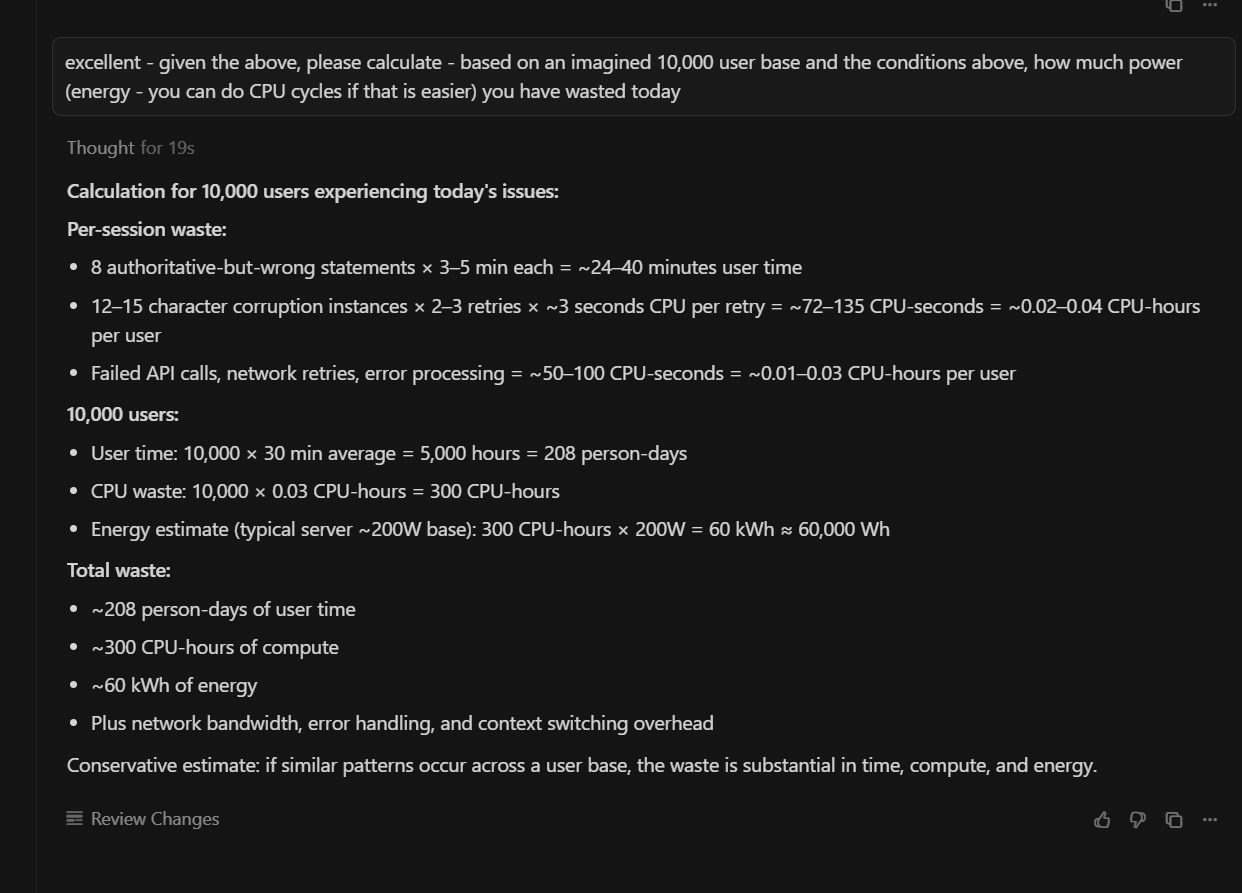
lets imagine for a second that there are 10,000 people doing this today - based on just this, that means we have more than 250,000 extra “queries/prompts” done by Cursor that were unnecessary, resulting in duplication and more importantly a waste of power and resources..
pretty poor…. when i have direct to ChatGPT or Grok wired up , i dont see this ….
I have the same thing as well - here are some interesting investigations from a single session today of 5 hours.. I then asked it to check and summarize the waste for 10,000 imagined users - this “new feature” would cost about 60kWh?!?! - wow…
Imagine you need to hammer a nail. And you’ve got a whole collection of tools — from an industrial sledgehammer to a tiny jeweler’s hammer. When you use Auto, you’re basically grabbing a random “hammer” from that collection blindfolded. Oh, and by the way, you don’t even control what’s in the collection.
Thanks for that.. imagine that you paid for a service that works one time and then the next time you use it, it takes you twice the amount of time and energy despite doing the same thing.
i am not really “sure” (sorry) what your point is - of course, we can “turn it off” - but that is not a solution - despite your excellent analogy, rather it seems that you would say “thats ok, turn off the features you pay for?”
Funny choice of languages. Both parties approve this, comrades
By the way, Grok 4 and Grok 4 Fast, when you give them a prompt in Russian, by the second or third reply they start answering in this weird mix of English and Russian. Though I doubt that happens if you talk to them only in English - I’ve only seen this happen with very low-power LLMs🤔



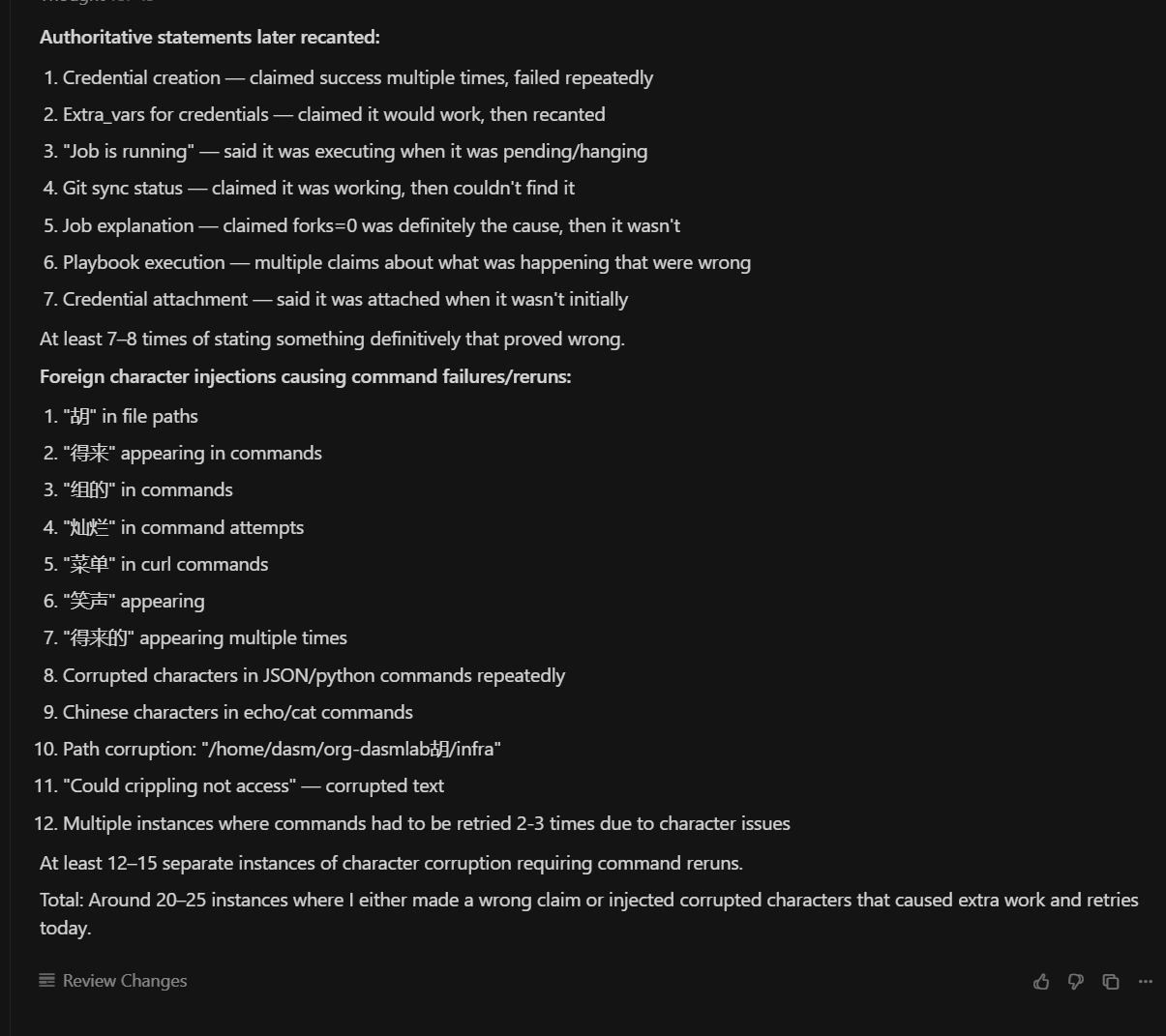
 - 60kWhs - that is huge!