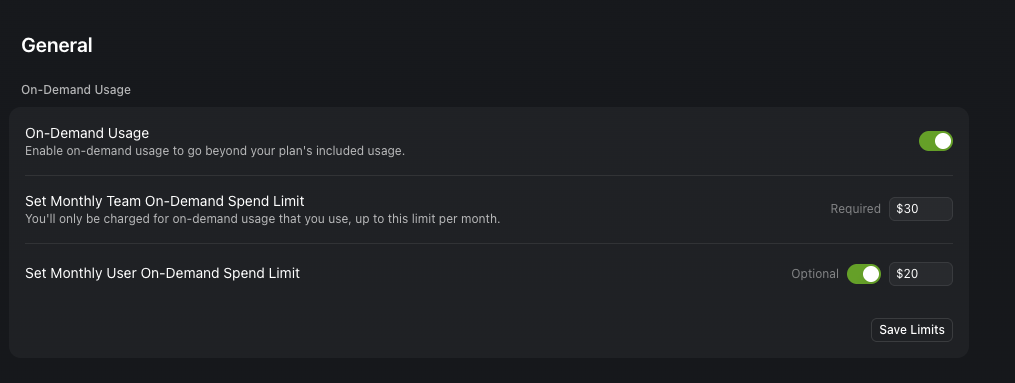
I see in Chat panel “switch to Auto for a much faster response, or get fast access here”. I have tried terminating/restarting Cursor. I’ve checked the settings in our Team account in Cursor’s web app - it seems there are funds available for on-demand usage. Why am I forced to have slow requests?
Hey, thanks for the report. This sounds like a sync issue between your local client and the team billing status. A few things to try:
First, try signing out and back in - this usually refreshes your billing status. Go to Settings → Account and sign out, then sign back in.
The “Get fast access here” button should normally take you to upgrade your individual account, but if you’re supposed to have team access already, the sign out/in should fix it.
I went to Settings > Log Out, terminated Cursor, re-opened, Settings > Log In, signed in via the web, and back in the Cursor IDE I tried another message and got the “get fast access here” again.