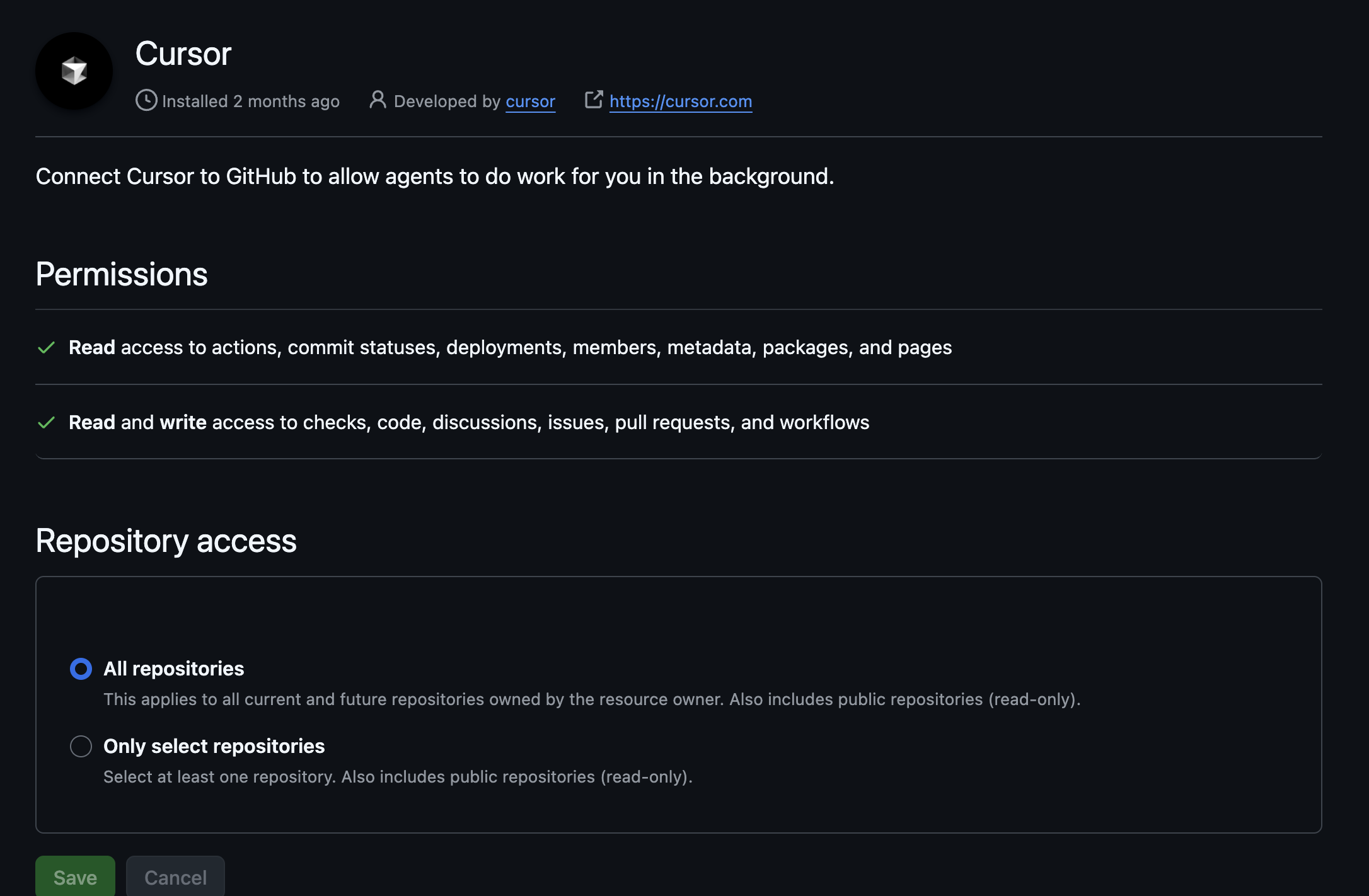
I recently configured bug bot to run on all my organizations repos - however, I’m getting the comment: “Skipping Bugbot: BugBot is disabled for this repository” when calling bugbot on a PR that was opened BEFORE I enabled this setting. Is there a way to force a refresh for permissions? Does this take some time to propogate?
Steps to Reproduce
Create a repository
Create a PR
Enable bugbot
Run bugbot
Expected Behavior
bug bot should run.
Operating System
MacOS
Current Cursor Version (Menu → About Cursor → Copy)
Hey! This sounds like it may be a bug. Can you confirm that in your Bugbot dashboard, Bugbot is enabled for that repo? And then do a “bugbot run verbose=true” and send me the request ID if it fails please!
I’m seeing that you have Bugbot enabled for exactly 1 repo, are you sure your PR is in that repo? You can check in your dashboard at Cursor - The AI Code Editor
I can’t see much more since your org has privacy mode enabled, but happy to hop on a call and help troubleshoot if you’re sure this is the same the repo that has Bugbot enabled.
Thanks this helped! I think the UX was a little confusing, because when I was enabling repositories 1-1 it would automatically flip on, but when I enabled all repos it forced me to toggle.
It forced you to toggle what? Sounds like we may have had a bug here! Glad you were able to get it working, keep me posted if you’ve got more feedback!!
I’m seeing this same issue @jkaplan - my repo is enabled in the Cursor dashboard for BugBot. I’m seeing “Skipping Bugbot: Unable to authenticate your request. Please make sure Bugbot is properly installed and configured for this repository.” In the “Checks” tab on GitHub I see this:
Bugbot Analysis Progress (41s elapsed)
Hey! The error I see is a provider overload error, likely transient. Does Bugbot work for you now? We should improve our error messages in this case, good feedback for us.
Thanks for getting back to me. I did another PR and BugBot worked for that one - however, in the original PR that I noticed this issue in, I just tested it again and I’m seeing the same issue:
Skipping Bugbot: Unable to authenticate your request. Please make sure Bugbot is properly installed and configured for this repository.
If this is some transient error then I’ll try it again later. Edit: I’ve tried again now, 5 hours after making this reply, and it’s still happening. It’s almost as if this one specific PR just will not work, while other PR’s work fine. Strange. Most recent request ID: serverGenReqId_4d75b639-013f-4e45-82cb-13b38d915e60
Are these PRs in the same repo? Or is the failing one in a different repo which does not have Bugbot enabled? Can you check your Cursor dashboard just to make extra sure that Bugbot is on for that repo?
Although, on branch “1.3-point-photos-fix” I cannot get this PR to work with BugBot (I’ve since merged/closed the PR, but it failed many times prior to closing as well - this is what caused me to come post here originally):
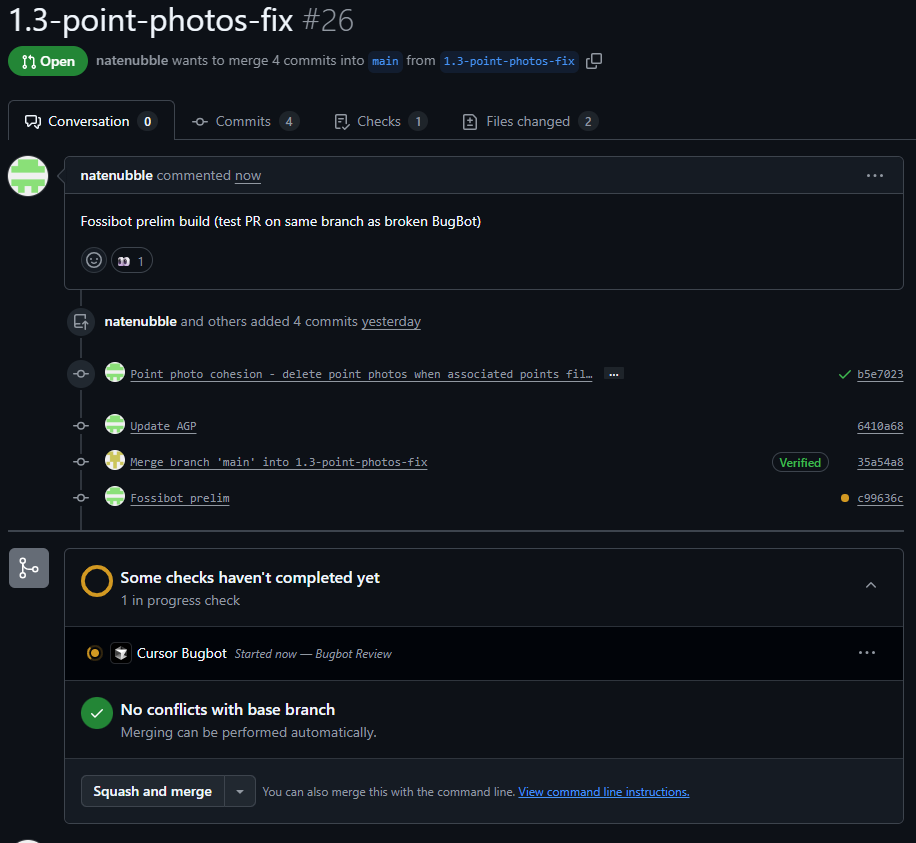
So, I’ve just created a new PR on that same branch, “1.3-point-photos-fix”, to see if it’s the branch that is broken, or just that specific PR, and this new PR works perfect:
As far as I can tell, this issue is isolated to a specific PR. Not a big deal for my specific case here, but I think I’m doing everything right.. so just an odd bug?
Hey @jkaplan I’ve figured out (I think) what the issue was here. When I request bugbot run using my GitHub account “natenubble” (a contributor to the repo) it works, but not when I request bugbot run under the repo owner account “nubblesite”. I guess some permission issue? The account that works uses the same e-mail as I use on Cursor.
 Gathered PR context (3s)
 Bugbot run failed (37s)