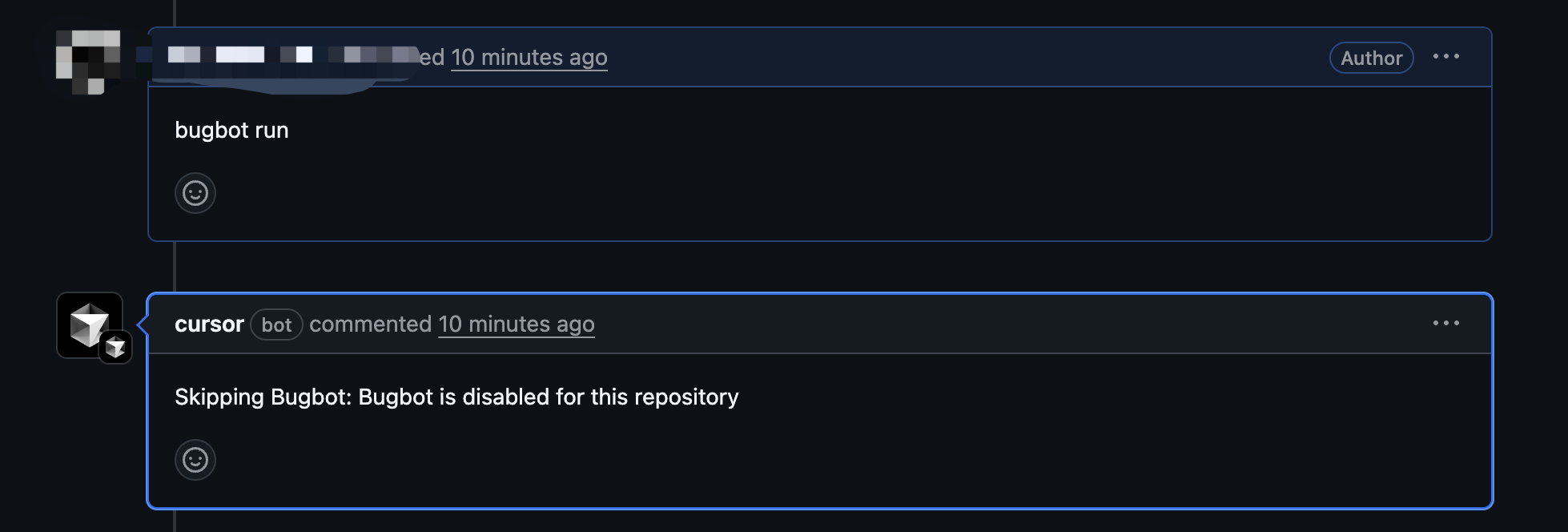
I am getting this error “Skipping Bugbot: Bugbot is disabled for this repository”
Bugbot request id: serverGenReqId_3a97764d-d363-469c-9248-580d4d3ce177
Bugbot is actually enabled for the repository. Can someone help what is the issue or am i missing something?
Steps to Reproduce
Enable bugbot for the repository.
Create a PR for the same repository.
Run bugbot
Getting error as “Skipping Bugbot: Bugbot is disabled for this repository”
Operating System
MacOS
Current Cursor Version (Menu → About Cursor → Copy)
I got this bug, too. “Skipping Bugbot: Bugbot is disabled for this repository“
Even if I uninstall and install github cursor installation and disconnect connect on cursor again and again. It stills show something like this. @jkaplan
I have the same issue too. Bugbot is clearly enabled for my repo but I am still getting the error “Skipping Bugbot: Bugbot is disabled for this repository”
Hi friends, took a quick look and it looks like some kind of GitHub auth edge case. I’m not entirely sure what’s happening but I’m pretty sure it’ll be resolved if you uninstall and reinstall the Cursor GitHub App from your repo.
You can do all of this from your Cursor dashboard at Cursor - The AI Code Editor . Just click “Manage”, click the GitHub org, click Uninstall, then go back to the dashboard, click “Manage”, click the GitHub org again, and go through with the install.
Please let me know if you’re still seeing this after that.