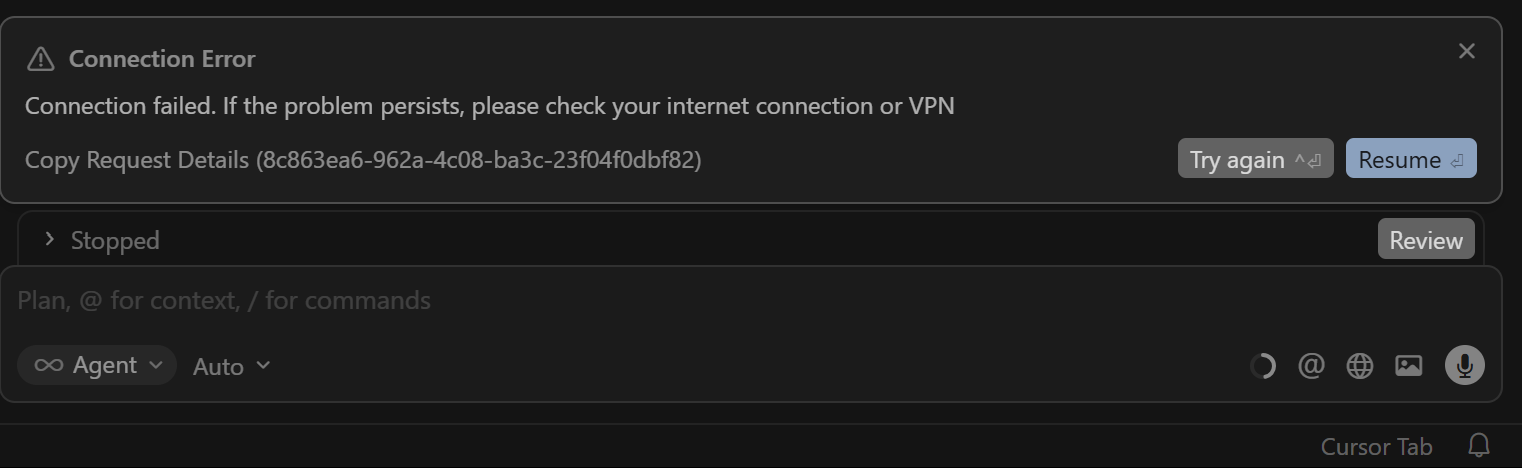
From past couple of day Cursor agent fails in while running a task due connection issue, but there is no issue with my connection. Due which multiple tokens are being wasted. And many times the while generating the output it abruptly terminate in between, The chat was not long and new even new chat it happens. Plus the service feel degraded if generates the any half response.
Steps to Reproduce
There are no steps chat will working and suddenly issues occurred, yesterday full day it was un workable and today as well it worked for couple of commands and then terminated with connection error.
Expected Behavior
It should generate the response and complete the task that is basic requirement. And quality of task performed should not be degraded, all these leads to lots of token wastage. All these are basic expectation.
I had already done the network diagnostic with HTTP 2 enabled that time itself it was passing, all the test. But shouldn’t we use the HTTP 2, for optimum performance.
If you use MCP servers, disable them: Settings > Cursor > MCP - none
A screenshot of Network Diagnostics (most important) - shared
What happens when you try without extensions - there is no new extension i am using, i have basic extensions of docker, jupyter, powershell and so verified once which I have been using from very long.
Whether you use a VPN, proxy, or a corporate network - none
Also, I have noticed another thing that it happened if the using debug mode. And when relaunch the same project as fresh chat then it was working and other project works fine but again when i started using debug it gave connection after a while @deanrie
Thanks for the important note about debug mode, that’s critical info!
This is a known issue with a serialization error related to the terminal tool. A few similar bugs have already been fixed, but your case with debug mode might be a separate issue.
Workarounds:
Restart Cursor (as you noticed, this helps temporarily)