Great post; It really sums up my experience with Cursor so far.
I really love what Cursor brings to the table, but I’m frustrated with the lack of stability in its core feature set. It feels like every major update either breaks something I use often, or disrupts the workflow established by the previous major update in some way. I don’t want to have to tweak the way I use a tool because some core UI moved around for the 5th month in a row, or to work around a core, documented feature that doesn’t work as intended for weeks.
Some examples of this:
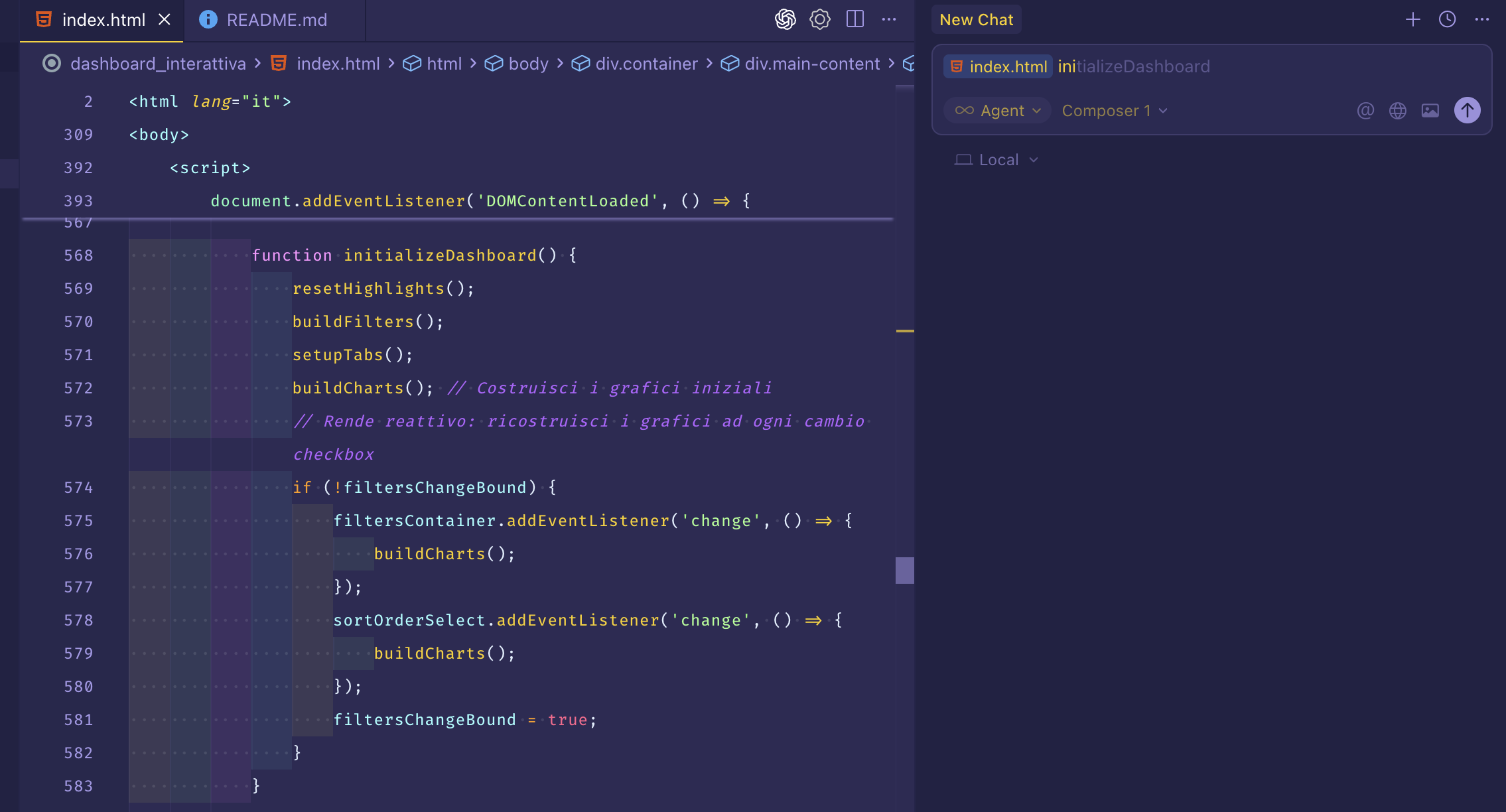
- In Cursor 2.0, you can no longer use @ to reference project symbols in agent context. That was my most used feature by far. The docs even still say it’s possible, even though it’s broken. This is a killer feature… how does a major release, especially a 2.0 release, pass QA when a well-documented feature that’s worked perfectly for months isn’t just non-functional, but completely gone?
- Cursor 2.0 no longer shows any visual distinction when a thinking model is selected or MAX mode is activated. Why make a needless UI change that actively makes the user experience worse? It’s a small detail, but it frustrates me because it feels like someone went out of their way to make the user experience worse in this case. Obviously the devs don’t mean that, but that’s how it feels as a user when something that’s worked fine for months is made worse for no reason. I don’t like when a tool I’ve established a comfortable workflow with breaks the Principle of Least Astonishment needlessly like this.
- Cursor rules didn’t work at all on Windows for months. Rules are another core, well-documented feature. How is fixing that not higher priority?
- Usage analytics in the dashboard were broken for at least a few weeks straight. Although it isn’t an editor feature, experiencing this made me nervous because as a user, I need to trust that a company has a robust and honest system for handling my information, especially anything related to payment. The dashboard analytics are (in my opinion) one of Cursor’s main org ↔ user transparency mechanisms. If it takes weeks for such a crucial process like the usage tracker to be fixed, how can I have confidence that other important processes are properly handled behind the scenes? Again, those are just my thoughts as a user. And I will say, the analytics have worked properly since then, and the Cursor team added a fantastic token usage meter inside the agent chat box for additional transparency. That change was fantastic. Thank you, and props for that.
Let me take a step back since this turned into a bit of a rant. I (like most of us here) am a software developer. I build software for a living, and when someone finds the software useful, they use it. As a creator of that software, I believe there is an implicit contract I’m obligated to fulfill for my users’ sake, always:
-
If you have to noticeably alter the user experience in some way (i.e. remove or change a core feature), give your users ample notice so they know the change is coming and have time to adjust to the new system. This is transparency.
-
Adhere to the Principle of Least Astonishment. This ties into bullet 1 - don’t make needless change, and keep the user’s experience consistent. Keep the software as intuitive as possible. Users build intuition, physical muscle memory, and what I call “mental muscle memory” by using a tool the same way many times and experiencing its subtle-yet-present visual cues; the process of leveraging these to use a tool quickly and to its fullest are what I call “my workflow”. If those three things remain the same for long enough, it becomes easier for me to both reach and stay in the flow state with “my workflow”. That’s why I was so frustrated by the visual distinction removal change mentioned earlier. It’s a small detail, but missing the little brain icon or the purple gradient in my peripheral keeps breaking my “mental muscle memory”, which in turn breaks me out of “my workflow” because I have to check to see if I really do have a thinking model selected, or MAX mode enabled. The process that used to be automatic now costs me my focus. How irritating as a user. Respect the workflow you helped your users establish.
-
If you release a non-beta feature in a mainline release, document it, and make it available to users, that feature sure as heck better remain working as advertised. If a user puts in the effort to read the documentation I wrote on a feature I built, then that feature doesn’t work as I advertised, then I (as a developer) have failed that user. A user who pays to use a tool deserves, at the very least, for the tool to work exactly as its creators tell them it works (see bullet 2). And if it doesn’t, it’s my responsibility as a developer to make those fixes my highest priority (within reason). Cursor is no longer in beta. The model selector is not a beta feature. The @ specifier for agent context is not a beta feature. If you advertise a tool as stable, keep it stable. If you want to keep making core changes, mark the core features as beta. And if you really have to break from the users’ expectations for whatever reason, at least notify them in advance; they deserve that much. (see bullet 1).
I think the root of my frustration is that Cursor breaks all three of these principles too often. Not for the core internals (like the LLM API, codebase indexing, VS Code functionality, the edit applier; those work fine), but for the pieces one step removed from those core internals - the agent/chat, model selection, rule files, and the other parts I interact with so many times every day.
I’m sure part of this is also because of how frequently cursor releases “major” updates compared to other software we’re used to using. Operating systems make big UI changes, what, once a year max? How often does other established software like Notion make a noticeable UI change, maybe a few times a year maximum? My point is, Cursor releases a new big update about every month now with a slew of new features; We have way more opportunities to notice big changes, and less time to acclimate to them. I’d just like the Cursor team to be more aware of that.
All this being said, if the Cursor team sees this, here’s what I’d like to see happen as a user:
-
If you’re planning to remove or change a core feature, please give us a deprecation warning or something in the previous release changelog. For example, I don’t like the fact that @Code specifiers don’t work in Cursor 2.0.x, but the change would have been much more palatable if the 1.7.x changelog stated (under a Planned Removals header or something) that the feature would be going away in the 2.0 release. This would give us users time to discuss whether the change is something we actually want. A basic next-release-roadmap or something similar could also go a long way. I understand that sort of thing isn’t always possible for an organization, but I think it could lead to healthy discussion. Like the recent small “what makes cursor good?” thread, I think it would be healthy for both Cursor as an org and its users to come to a consensus about what features really make the software worthwhile.
-
Get a QA guy to help ensure these annoying/unnecessary UI changes don’t keep happening. Modifying core UI occasionally is fine, but making noticeable visual changes or moving elements (especially in the agent chat box) in each monthly release is exhausting to deal with as a user. Have someone enforce a little more stability in the UI. Your tool isn’t in beta anymore; Please exercise more care when dealing with little details.
-
Establish stability standards and a QA system to enforce those standards for documented features. “Stability” here means that you uphold the implicit user contract I described earlier: If a documented feature doesn’t work as described, make fixing it higher priority than adding new features. Even better, please do more QA before release to ensure features aren’t broken for mainline, non-beta releases.
The core Cursor features are so amazing - you could add almost nothing to the app and it would remain THE key part of my development workflow. Just stop breaking things I use all the time… please. All I want as a user is to be able to specify granular context (project symbols as described in the @Code docs), for the agent to keep being awesome at discovering the exact context it needs, for edits to be made efficiently and in the correct place, to be able to select and easily distinguish between models from a few different providers, to have a clear and intuitive change review process, and for the agent to continue using its current tool set. I would love for those parts to become more polished (why remove @ Code, @ Git, and others?), rather than adding new features. Those are all already implemented (except for the removed stuff). The current chat/agent loop is almost perfect in my opinion. I just hate feeling like a beta tester when I’m paying for a non-beta application.
I love this tool so much… I’m just frustrated.