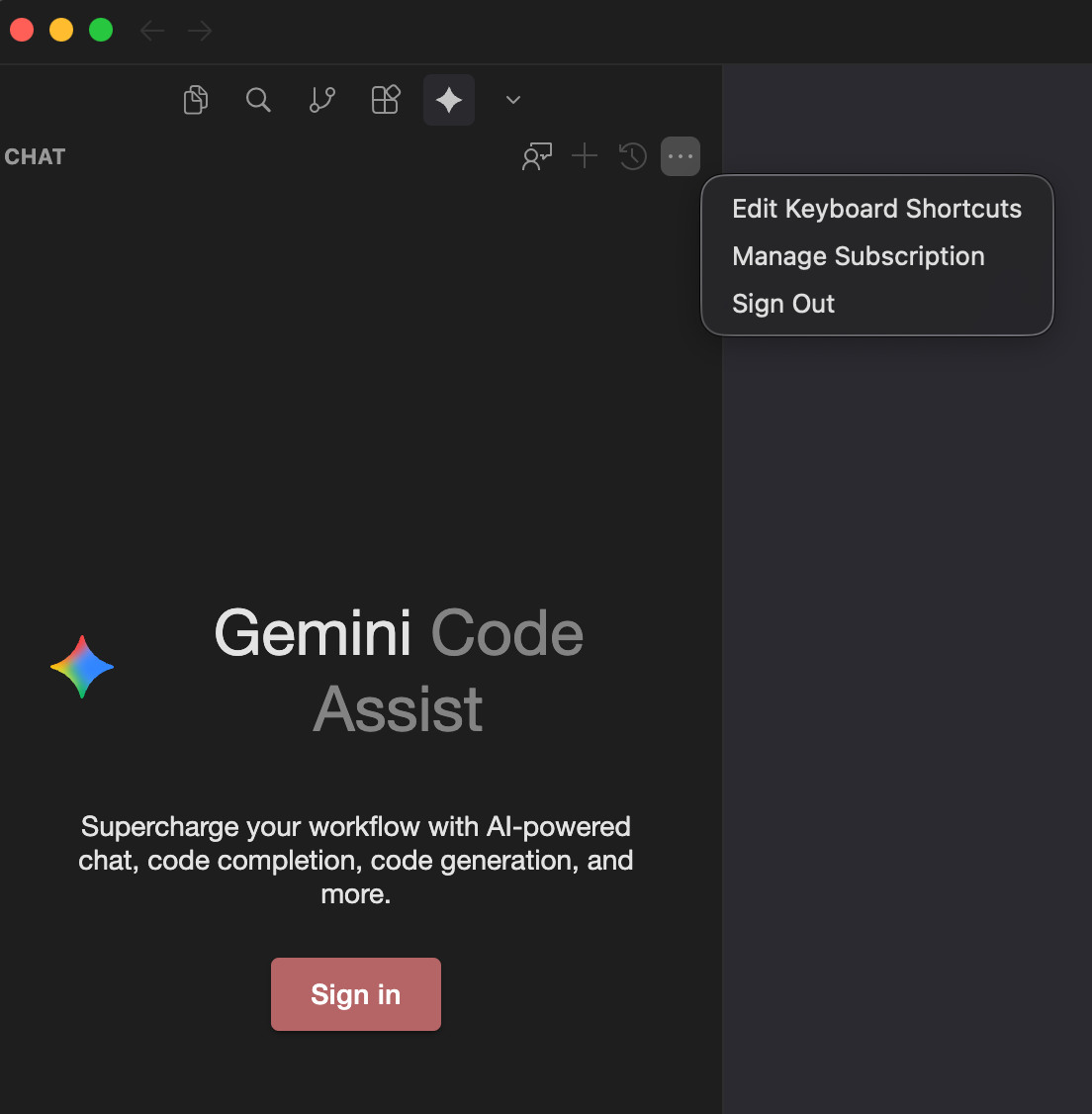
Signed in via browser by clicking the “Sign in” button. The browser told me that it was successfully authorized. However, the plugin does not recognize it. When clicking the “…” button, it says “Sign out” (see screenshot) → i.e. the sign in somehow worked but the plugin does not show it.
Why am I reporting it here as a bug? Because in VSC it works.
Steps to Reproduce
Click sign in, follow browser link.
Expected Behavior
Don’t show the sign in screen after successfull signing in.
Hey, thanks for the report. I can see you’re running into a sign-in issue with Gemini Code Assist. It’s a Google extension, and sometimes the auth state can get out of sync.
Please try these steps:
Sign out completely: click “…” → “Sign out”
Fully restart Cursor (close all windows)
Open Cursor again and try signing in via the browser
If that doesn’t help, reinstall the Gemini Code Assist extension (uninstall it, then install it again from Extensions)
If it still happens after that, you can also try:
Check for conflicts with other extensions by temporarily disabling the others
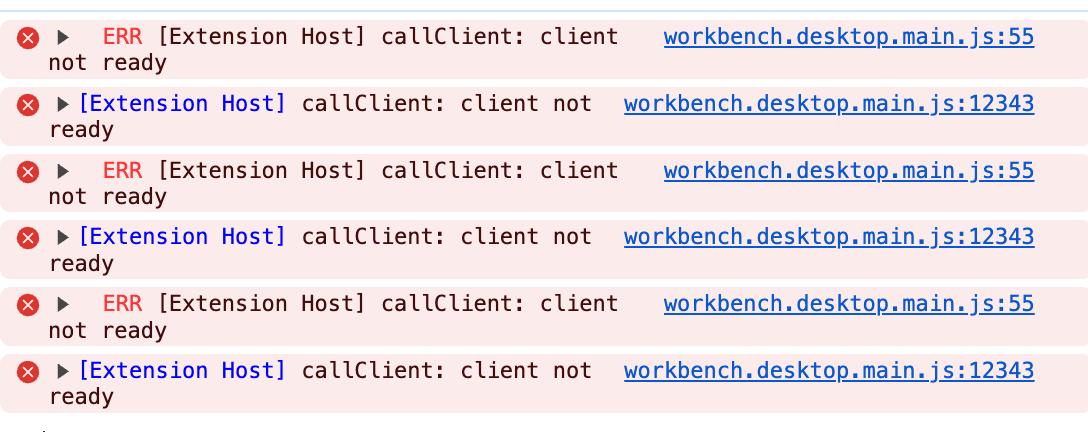
Check logs: Help → Toggle Developer Tools → Console (you may see auth errors)
I completely uninstalled and remove Application Support folder of cursor. Then, I installed it fresh and Gemini worked. I then copied my backupped settings.json into the Application Support folder, which then broke Gemini again (same initial bug). The key “geminicodeassist.project” seemed to play a role. I copied its value from the freshly created settings.json to my backupped json and it works now.