Hello guys.
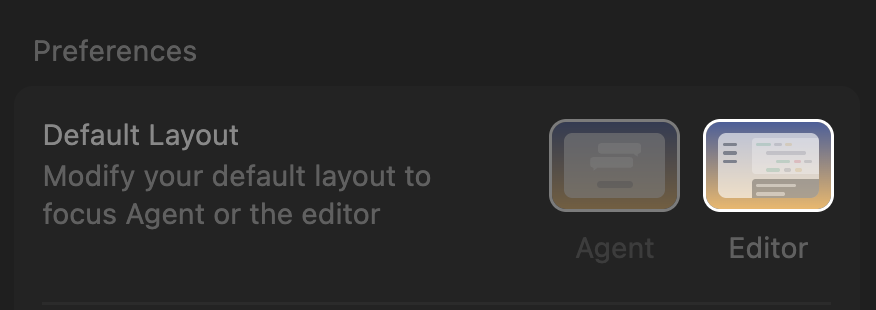
Since the last update I lost the “agent” / “editor” buttons on the top left of the editor.
Any way to reproduce this behavior with a shortcut or so ?
Thanks for helping.
Hello guys.
Since the last update I lost the “agent” / “editor” buttons on the top left of the editor.
Any way to reproduce this behavior with a shortcut or so ?
Thanks for helping.
Even when I select agent mode I am still on the editor. I don’t have this view I had in the past with the agent layout taking the whole editor.
What version of Cursor do you have? This should be fixed in 2.2.30.
My version is : 2.3.0-pre.15.patch.0
This topic was automatically closed 90 days after the last reply. New replies are no longer allowed.